20
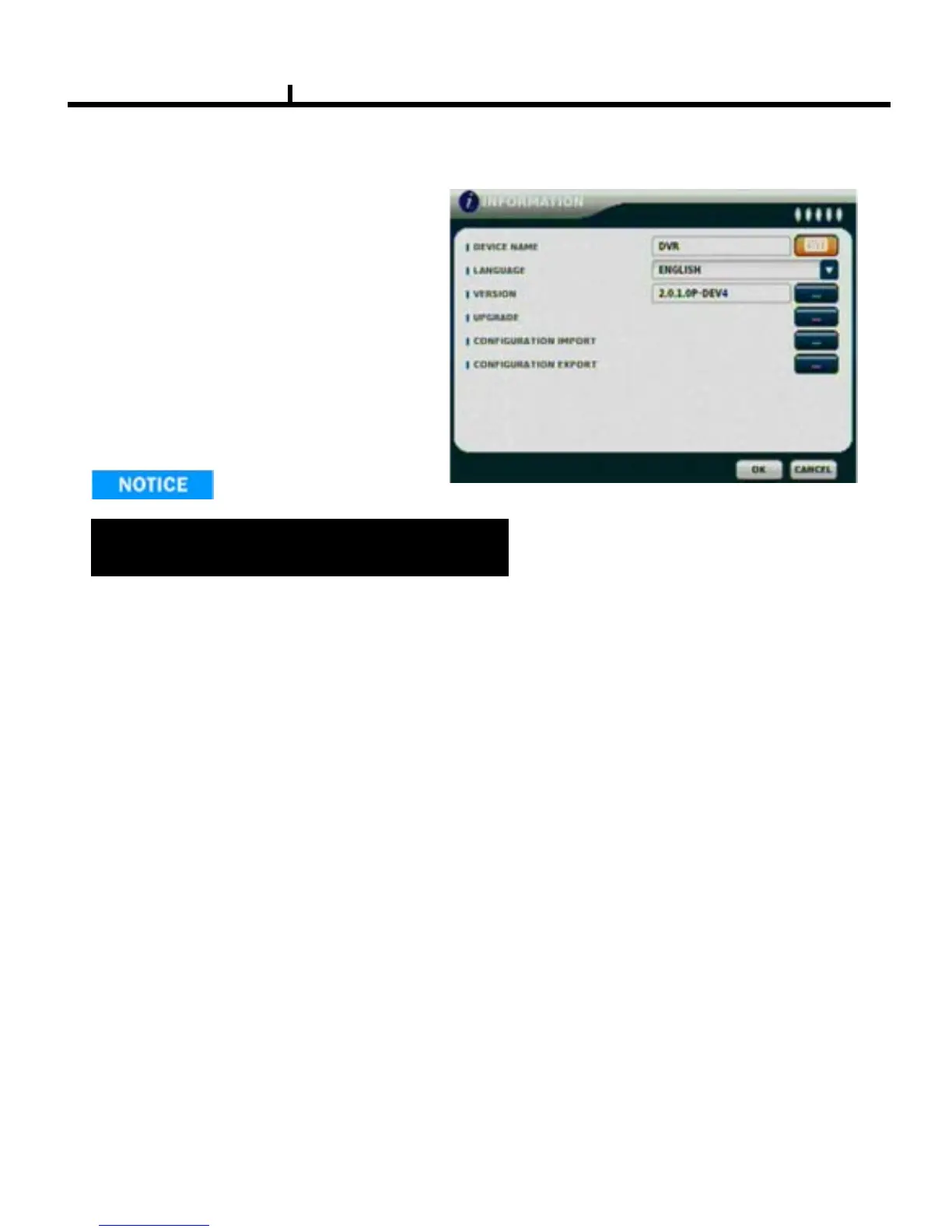
INFORMATION
DEVICE NAME: User can change the DVR
name on his own.
LANGUAGE : Select language.
VERSION : Shows S/W version info.
(With UPGRADE button, you can upgrade
the newest S/W version)
INFORMATION
Contact manufacturer or distributors for more
Upgraded version .
CONFIGURATION IMPORT :
Import the backup configuration file on USB device , use this function user can setup other DVR
with same configuration .
CONFIGURATION EXPORT :
Export the configuration file to USB device , use this function user can backup the configuration file
and import to other DVR .



 To Next Page