61
Remote Set Up <Record>
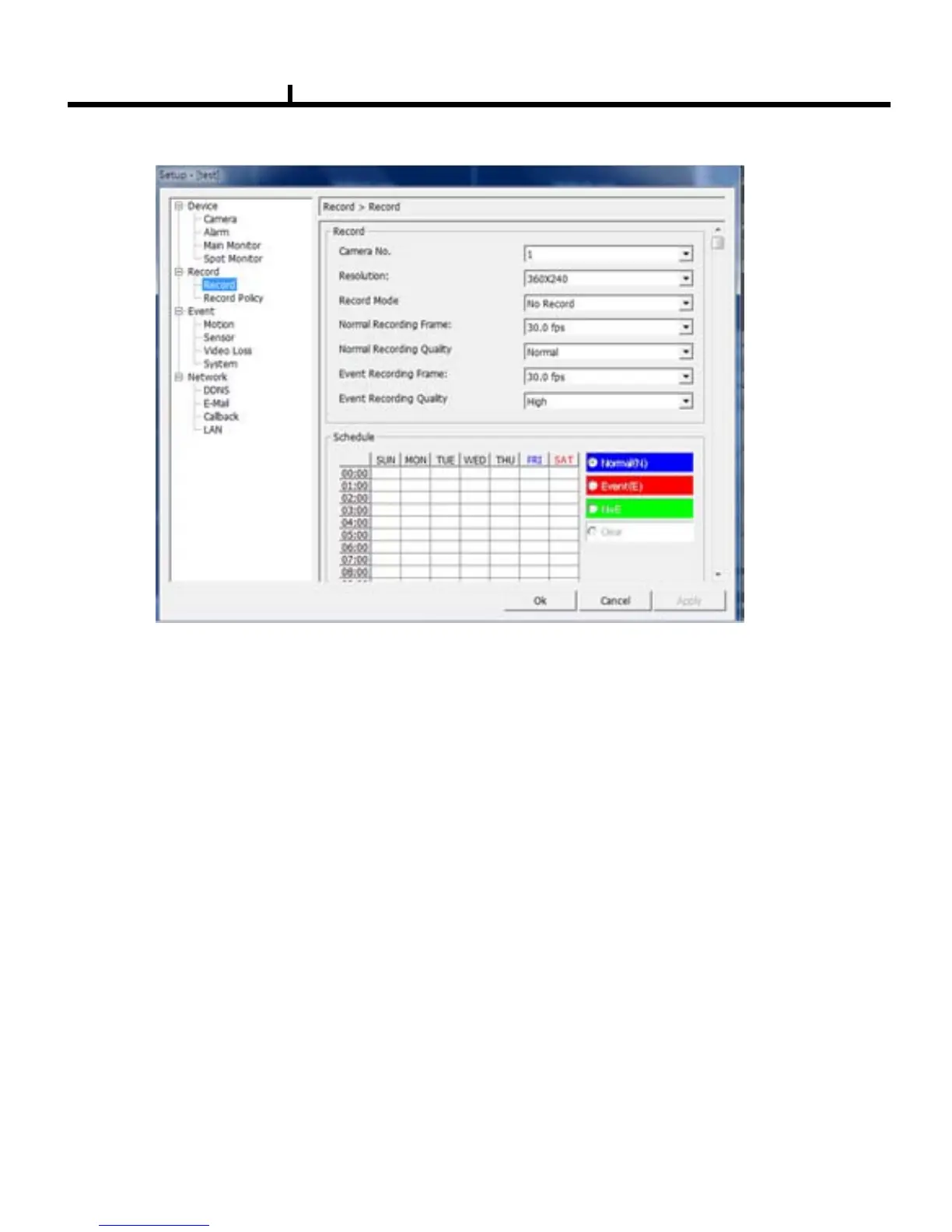
Camera No : Item to select Camera No.
To set up all the camera equally, Choose “select all”
.
Resolution : Item to change the resolution.
- NTSC : 720X480, 720X240, 360X240
- PAL : 720X576, 720X288, 360X288
Normal Record Frame :Item to select normal record frame.
Normal Record Quality : Item to select normal record quality.
Event Record Frame :Item to select Event (Motion + Sensor + Video Loss) record speed.
Event Record Quality : Item to select Event (Motion + Sensor + Video Loss) record quality.
Schedule : Item to select record schedule.
- Normal : Always Record
- Event : Motion, Sensor, Video Loss
- N + E : Always + Event Record
- Clear : Delete the current record schedule.
Record Mode : No Record / Normal Record / Event Record / N + E / Schedule Record



 To Next Page