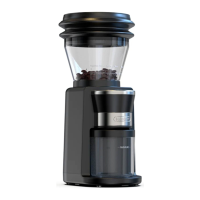
1.Add a suitable amount of coffee beans into the Porta filter.
2.Select appropriate coffee bean grinding fineness by rotating the bean box.
3.Connect the machine to supply power. Once the machine is turned on, the machine beeps sharply and the
LED display shows "51”, which means entering stand by mode and it prepares for the amount of a 51mm holder.
4.Instructions for switching from different holder sizes, which are 51mm, 54mm and 58mm.
(1) Press and hold the 1-cup button and 2-cup button simultaneously to change the target size for your coffee
powder holder. Then the LED display shows 51, 54 and 58, which are the sizes for different holders.
(2) Default grinding time for 51mm portafilter: 9s for 1 cup, 15s for 2 cup.
(3) Default grinding time for 54mm portafilter: 11s for 1 cup, 16s for 2 cup.
(4) Default grinding time for 58mm portafilter: 13s for 1 cup, 18s for 2 cup.
5.How to customize grinding time for 51/54/58mm portafilter?
To change the default setting of the 1-cup button for 51 portafilter , press "1" and hold it for 2 seconds to enter
the setting mode: the grinding time can be adjust by pressing TIME - to decrease 1s or pressing TIME + to
increase 1s, the new setting will be memorized automatically in 3 seconds and quite the setting mode. Repeat
the same process to customize grinding time for 2-cup button.
Switch to 54 or 58mm portafilter to customize your favorite grinding time if required.
6.Instructions for manual operation. Press the Start / stop button shortly, then the machine starts running. Then
press again, it stops. The default manual operation time is 25 seconds at most, which can not be customized.
7. How to make factory reset. Press and hold the Start/ stop button for 3 seconds,then the machine
returns to factory setting.
8. Energy Saving Mode. When the machine is idle for 3 minutes,the machine will be shut off automatically.
4
OPERATION INSTRUCTIONS
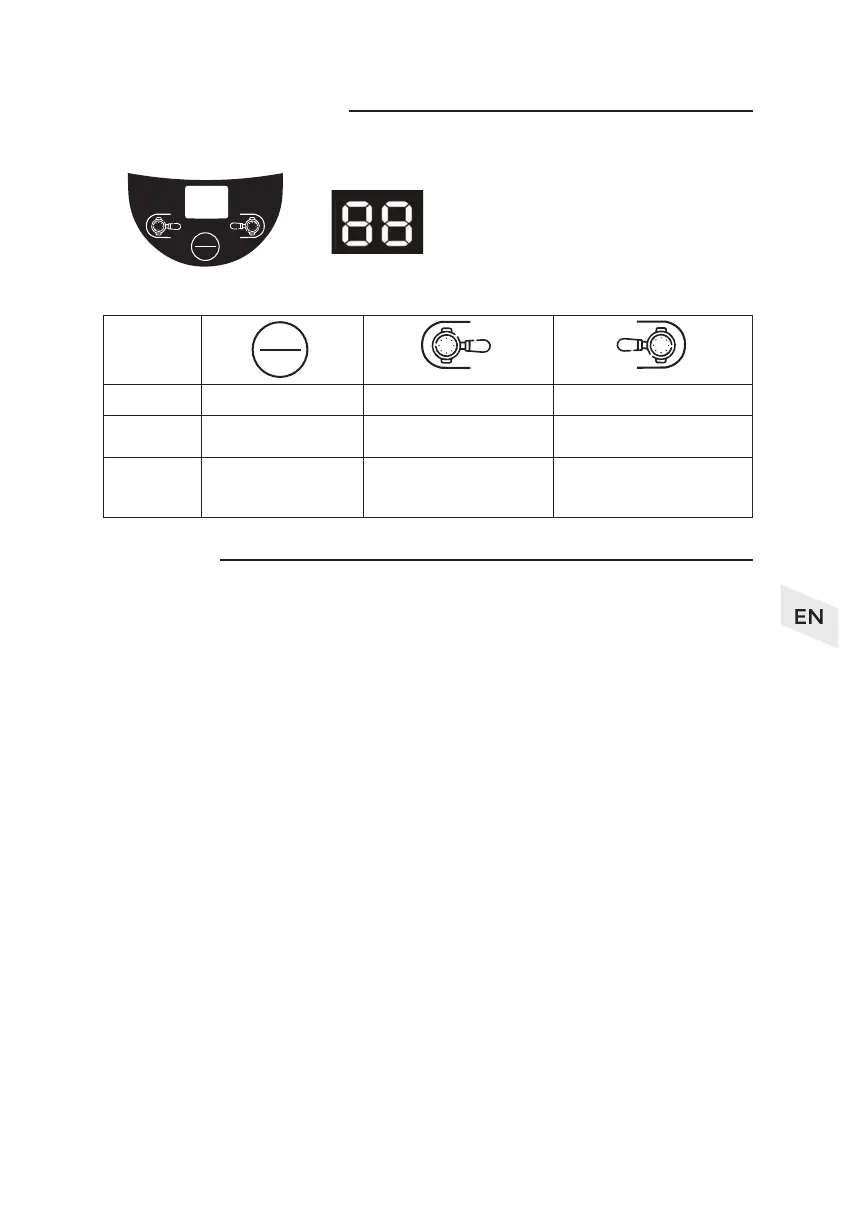
1. Control panel instruction
2. Button instruction
Instructions
Button
symbol
Name
Instruction 1
Instruction 2
Start / stop button 1-cup button 2-cup button
Press for manual operation.
Press this button to make
powder for 1 cup of coffee.
Press this button to make
powder for 2 cups of coffee.
Press and hold for
factory setting.
Press and hold to enter time
setting mode then press again to
lessen the powder amount.
Press and hold to enter time
setting mode then press again to
increase the powder amount.
2
TIME
+
START
STOP
1
TIME
-
1
2
TIMETIME
-
+
START
STOP


 To Next Page
 Loading...