Easy HD Expressway!
WWW.HIDES.COM.TW 3
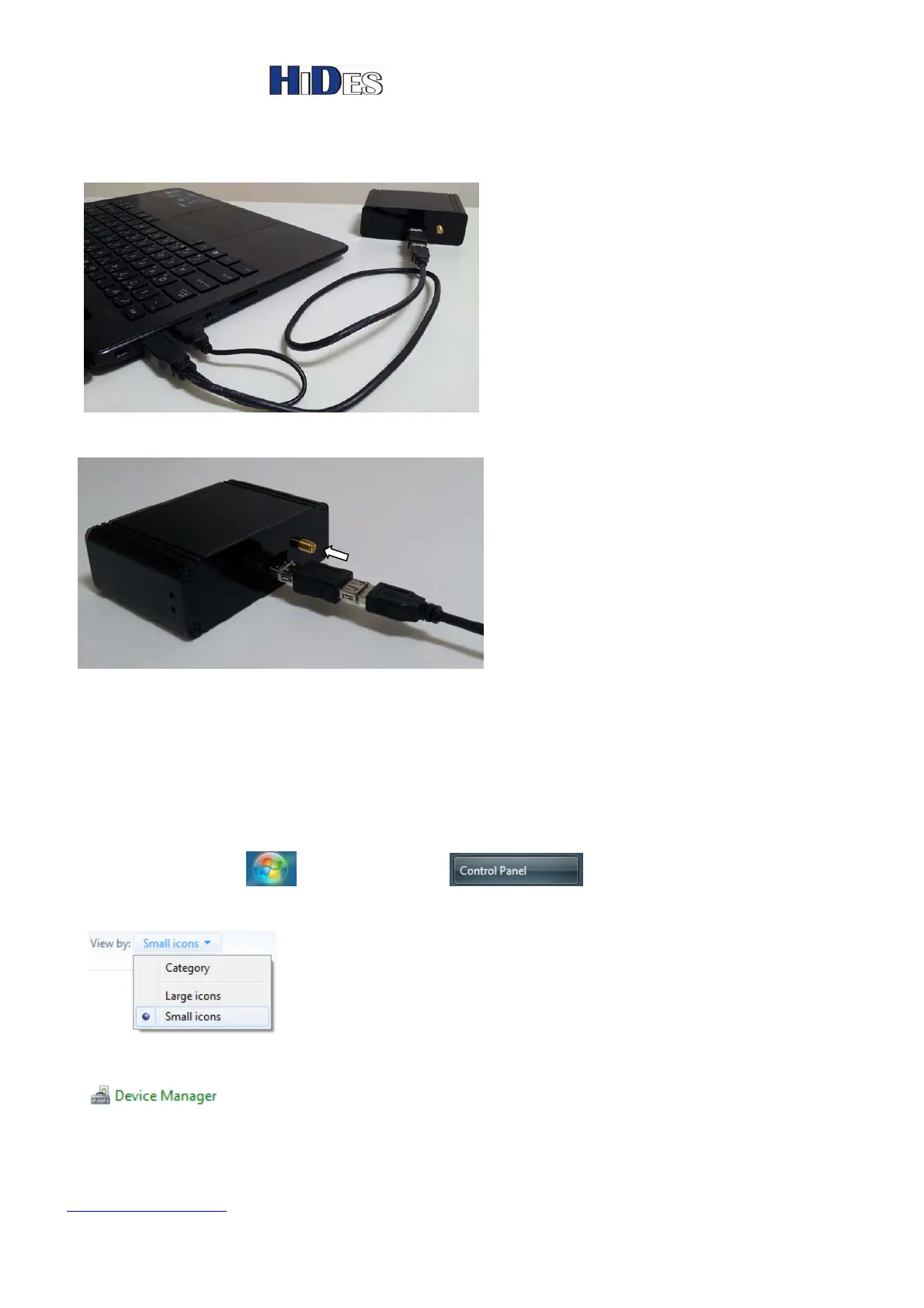
2. Connect UT-210 to PC USB port with both connectors in case insufficient power supply from
only one port.
3. Connect the antenna to UT-210’s SMA Tx port.
Driver Installation on Windows 7
1. Click on “start icon -> Control Panel ” to open the window for all items.
2. Select “Small icons” view.
3. Click on “Device Manager”.


 To Next Page