STEP 6:
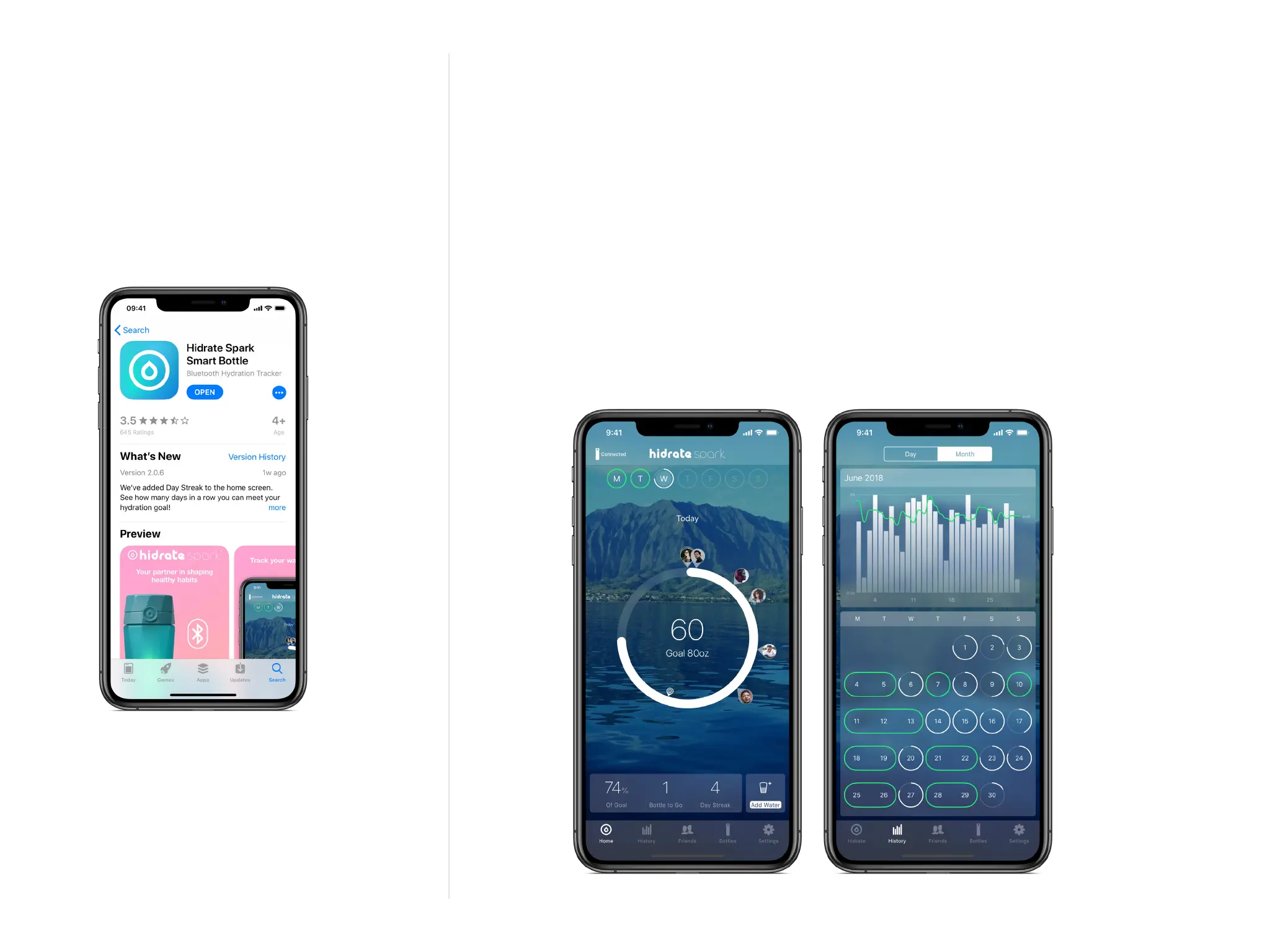
Download our free Hidrate Spark Smart Water Bottle
app from the App Store or Google Play store.
Check that you have an internet connection and your
Bluetooth is turned on. Follow the steps in the app to
create an account, set parameters for a personalized
hydration goal, add your bottle to your prole, and set
your push notications and glow reminders.
PARTS USED IN STEP:
Mobile Phone
Hidrate Spark
Smart Bottle App



 To Next Page