3
Set up and pair
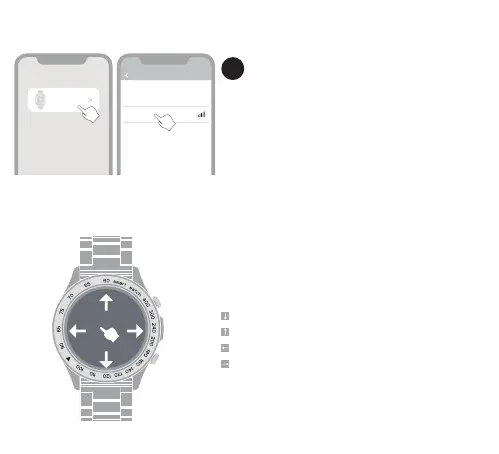
On home screen
Swipe down to enter the quick menu
Swipe up to enter the notications
Swipe left to enter activity data
Swipe right to split screen view
1. Turn ON the Bluetooth in your smaphone
2. Open the HiFuture Fit, go “Device”, “Add device”
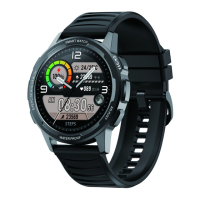
3. Search Bluetooth device & Select the “FutureGo Pro”
for binding
Help
Select device
Add Device
FutureGo Pro
Connecting device Help
“searching”
Please put the device cloce to the phone as
much as possible
02


 To Next Page