2
Power ON
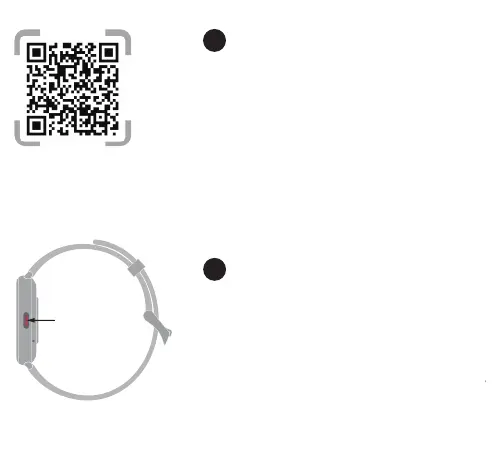
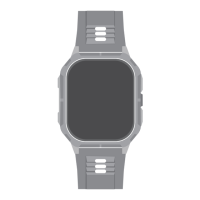
Press and hold the upper button for 3 seconds to turn on
Power OFF
Press and hold the upper button for 2 seconds to turn o
1
"HiFuture Fit " APP download
1. Scan the QR code on the left to download the APP
2. Install the APP, please register and login according to the
inteace prompts
*Compatible: iOS 9.0 Above \ Android 4.4 Above.
01



 To Next Page