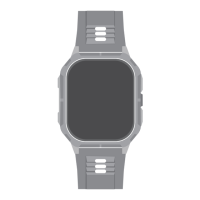
Wymiana paska
Połączenia telefoniczne
1.Upewnij się, że ZONE 2 łączy się z telefonem i znajduje
się w jego pobliżu w promieniu 10 metrów.
2. włącz funkcje połączeń.
3. Przejdź do ustawień połączeń w aplikacji HiFutureFit.
Enable Bluetooth Call
Step 1
Step 2
Step 3
ZONE 2-xxx
Turn on the Bluetooth call switch on the watch interface
Please enable it in the Bluetooth system settings:
Settings -> Bluetooth -> Other Devices, select
Bluetooth
Bluetooth
Device
ZONE 2-xxx
Connected
ZONE 2-xxx
Other Device
Bluetooth
Bluetooth
Settings
Device
ZONE 2-xxx
Connected
ZONE 2-xxx
Connected
Other Device
Bluetooth
Bluetooth
Device
ZONE 2-xxx
Connected
ZONE 2-xxx
Connected
Other Device
ZONE 2-XXX
MAC: f8:02:b7:f1:c9:f9
Battery:
Bluetooth Call
49
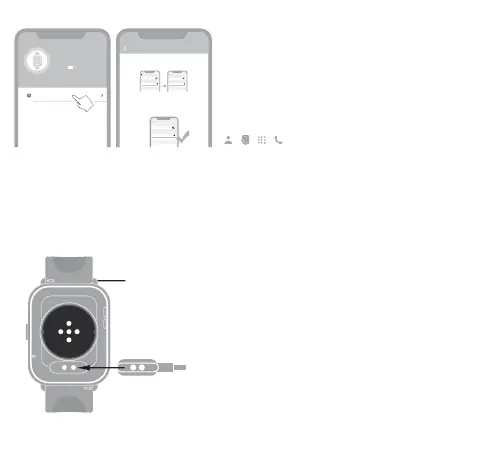
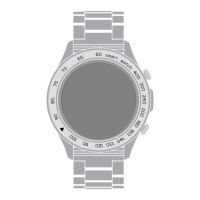
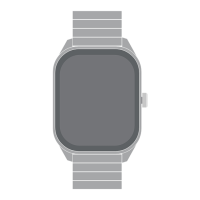
Przesuń zawleczkę i przytrzymaj ją, aby zdjąć pasek
zegarka, a następnie podłącz do zegarka pasek, któ ma
zostać wymieniony.
Ładowanie
Aby naładować zegarek, połóż go płasko i upewnij się, że
tylna część dwóch metalowych otworów jest wyrównana z
metalową końcówką głowicy ładującej.



 To Next Page