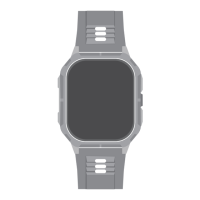
Replace the strap
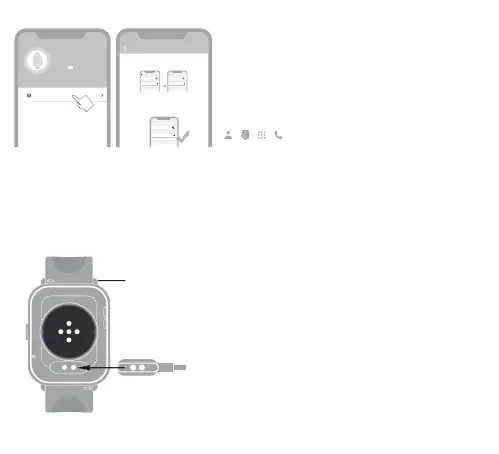
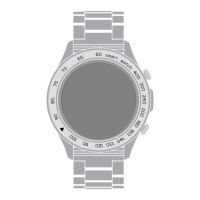
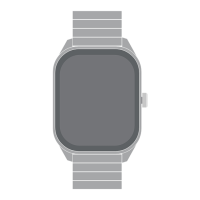
Slide the spring pin and hold it to remove the watch strap,
Then connect the watch strap that needs to be replaced to
the watch.
Charging
To charge the watch, place the watch at and make sure
that the back of the two metal holes are aligned with the
metal tip of the charging head.
Phone Calls
1.Ensure the ZONE 2 is connecting with & nearby your
phone within 10 meters .
2.ENABLE the Call functions.
3.Go call settings in the HiFuture Fit APP.
Enable Bluetooth Call
Step 1
Step 2
Step 3
ZONE 2-xxx
Turn on the Bluetooth call switch on the watch interface
Please enable it in the Bluetooth system settings:
Settings -> Bluetooth -> Other Devices, select
Bluetooth
Bluetooth
Device
ZONE 2-xxx
Connected
ZONE 2-xxx
Other Device
Bluetooth
Bluetooth
Settings
Device
ZONE 2-xxx
Connected
ZONE 2-xxx
Connected
Other Device
Bluetooth
Bluetooth
Device
ZONE 2-xxx
Connected
ZONE 2-xxx
Connected
Other Device
ZONE 2-XXX
MAC: f8:02:b7:f1:c9:f9
Battery:
Bluetooth Call
04



 To Next Page