10 11
english
english
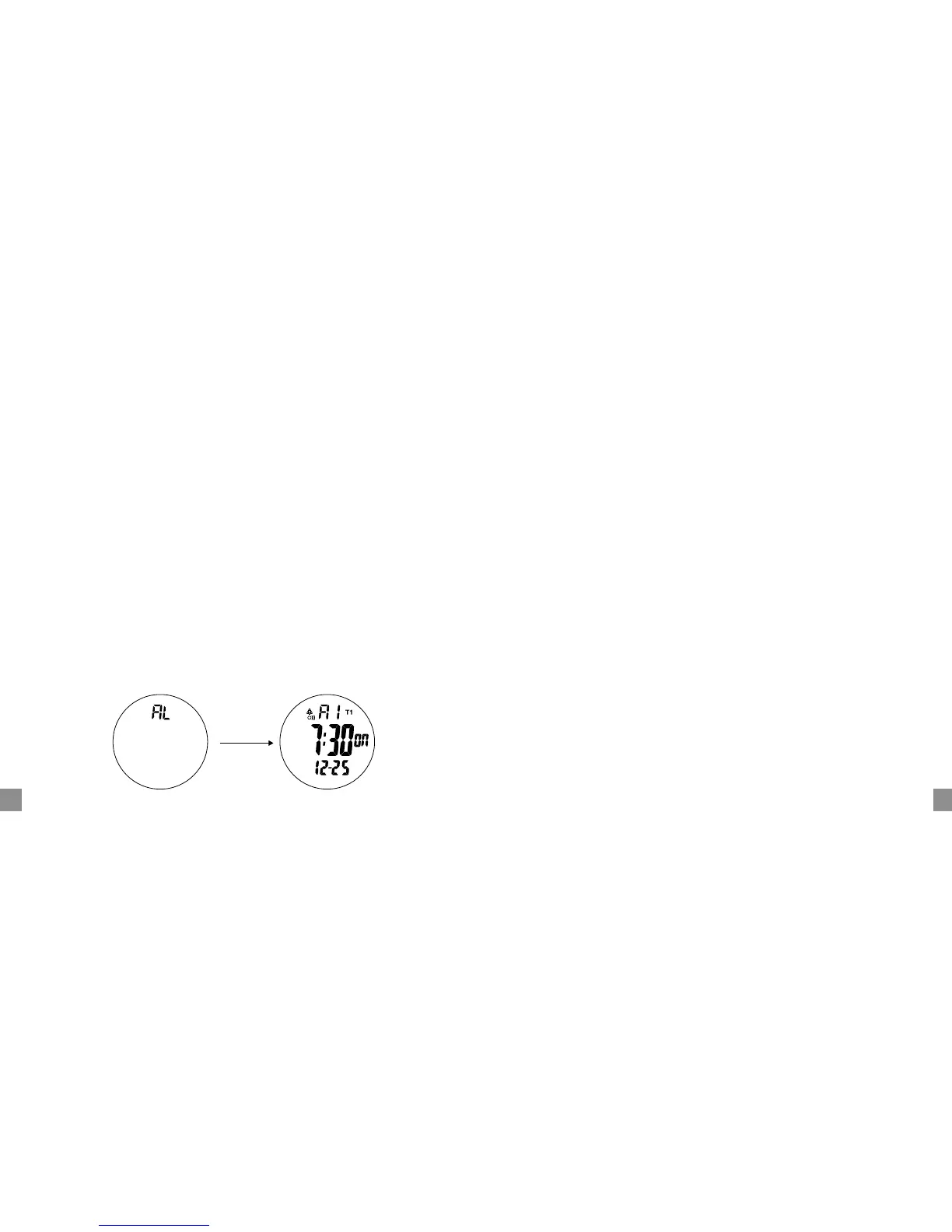
ALARM MODE Displays Hour and Minute Alarm Setting
Displays to set the desired hour and minute alarm. The alarm sound repeats
everyday if the alarm mark is in the "on" position. There are two alarms, "A1" and
"A2".
¥ Press
S3 until "AL" is displayed
¥ Press
S2 to select "AL" (chime), "A1" (alarm 1) and "A2" (alarm 2).
¥ Press
S2 for 3 seconds to toggle the alarm mark and chime mark on
("on" shown) or OFF ("- - " shown). When the chime mark is ON, there is a
beep sound every hour and confirmation key tone every time a button is
pressed.
¥ In "A1" or "A2" display, press
S4 for 3 seconds until the digits start flashing;
then press
S3 to select hour, minutes, month, day and T1/T2. Press S2 to
adjust desired number.
¥ Press S4 to set the Alarm and exit adjust mode.
BATTERY REPLACEMENT
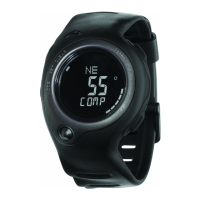
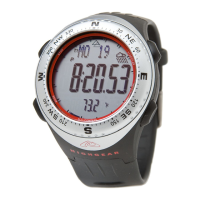
If the LCD display or LED light is dim, replace the battery with the following;
LED Light: V392 x 3
TerraTech: 2032 x 1
TrailDrop: SR936SW x 2
REMARK: Compass mode EL backlight and LED flashlight cause large consump-
tion of the battery power.


 To Next Page