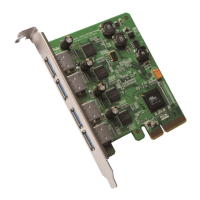
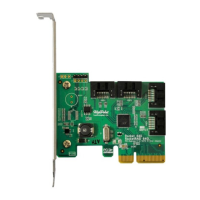
Rocket 600 Series 6Gb/s SATA Host Adapters Quick Installation Guide
Page 4
Part 2 Kit Contents and System Requirement
Kit Content
• Rocket 600 Series Host Adapters (Rocket 620 or Rocket 622)
• 2 SATA Cables for Rocket 620
• Software CD for (Windows 2000/XP/2003)
• Quick Installation Guide
System Requirement
• Macintosh – Intel based Mac Pro platform with Mac OS X (10.6)
• PC –AHCI compliant or Window XP, 2003 Platforms
Part 3 Hardware Installation Procedure
Note: Make sure the system is powered-off before installing the Rocket 600 Series
Host Adapter.
Step 1 Open the system chassis and locate an unused PCI-Express 2.0 or 1.0 slot
(x1, x4, x8 or x16) slot.
Step 2 Remove the PCI slot/bracket cover.
Step 3 Gently insert the Rocket 600 series host adapter into the PCI-Express slot,
and secure the bracket to the system chassis.
Step 4 After installing the adapter, attach the devices to the host adapter using the
required data cable.


 To Next Page