5
Configuring the RocketStor 3112C
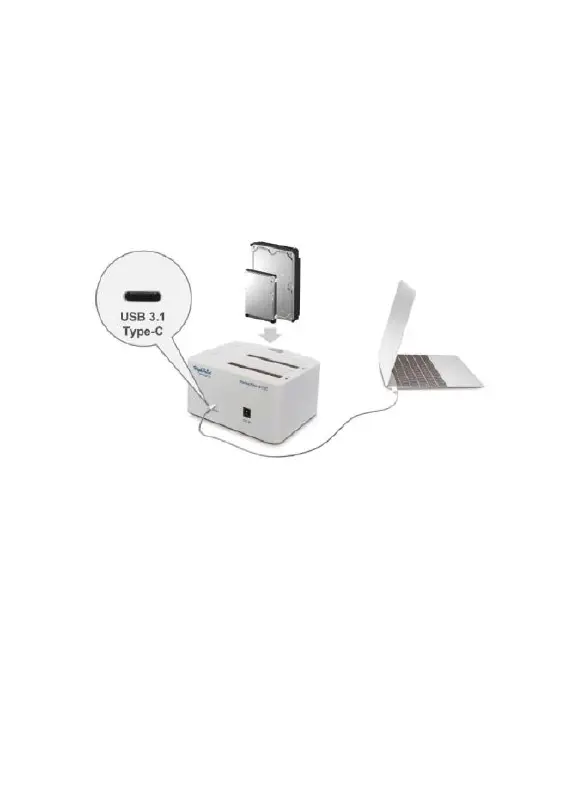
Connecting USB cables
The RocketStor 3112C utilizes one USB 3.1 Type-C ports that can be
connected to any standard motherboard or notebook with USB ports, or
to USB host adapters through the USB Type-A to Type-C cable.
Power Adapter Installation
Installing the DC Power Plug:
Connect the power adapter to the DC Port found on the back of the
RocketStor 3112C.
Installing the AC Power cord:
Connect the AC Power cord to the Power Adapter and connect the AC
Power Plug to the Power Jack.



 To Next Page