Alarm Settings
My Camera -> Setting -> Alarm Settings
Here you can choose the manner of notification in case of alarm; you can also choose how to
trigger the alarm.
My Camera -> Setting -> Record Settings
Here you can choose whether or not record the video in case of alarm.
Toolbox -> Alarm Management
Here you can find the alarm logs and alarm blocking list
Setting -> Settings -> Alarm Vibrate, Alarm Ring
Here you can setup the vibration and ring ton for the smart phone in case of alarm
My Camera -> Alarm
This is the one-key switch to turn the alarm on or off.
SD Card
microSD card is used to record video. Maximal 64GB is supported.
Make sure the contact area of the memory card is facing down. Push the card in, until you hear a
click.
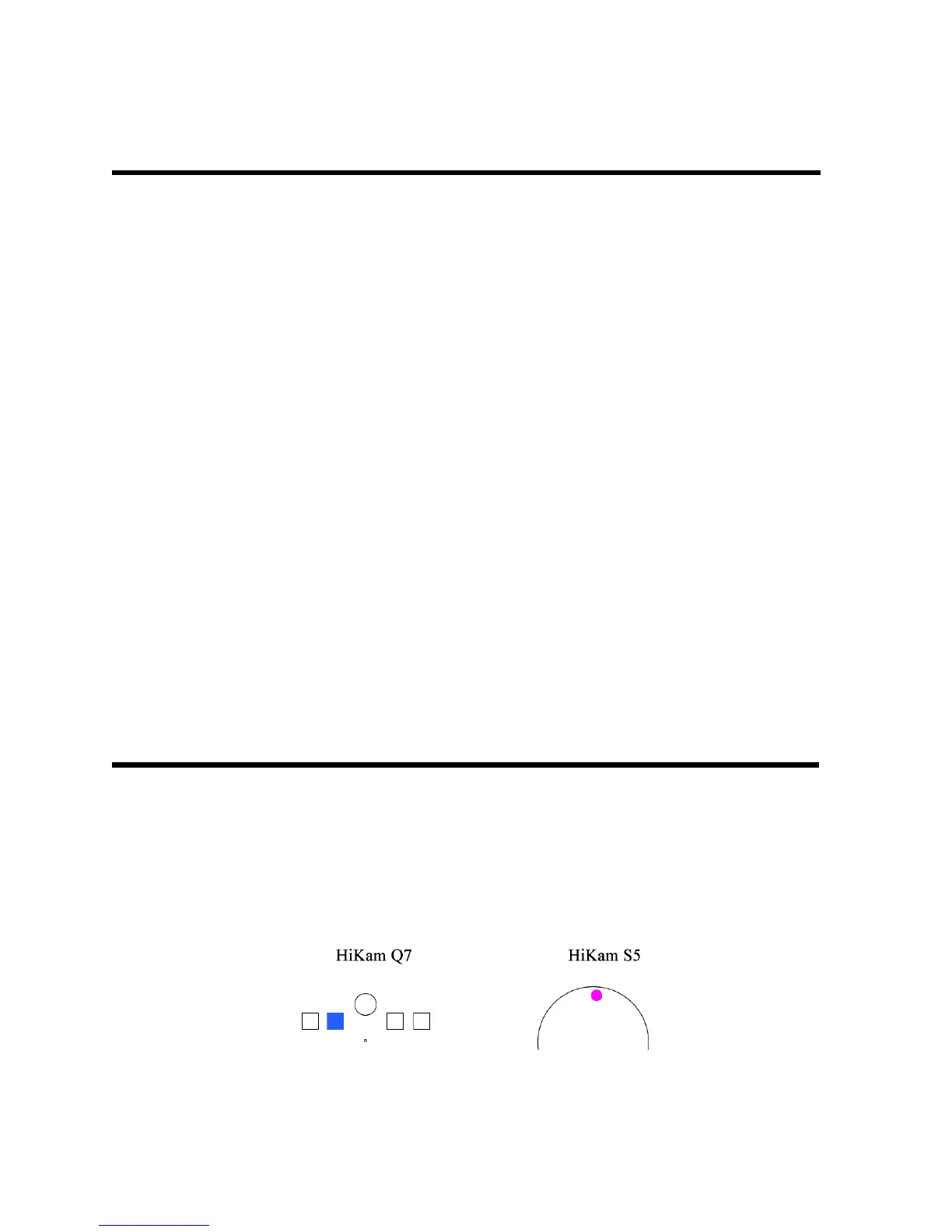
The blue LED on HiKam Q7 and the pink LED on HiKam S5 indicates you the valid SD card is
inserted correctly.


 To Next Page