EasyManua.ls Logo

Hikity T86DVR 9.3 - User Manual

Hikity T86DVR 9.3
38 pages
Print Icon
To Next Page IconTo Next Page
Loading...
1
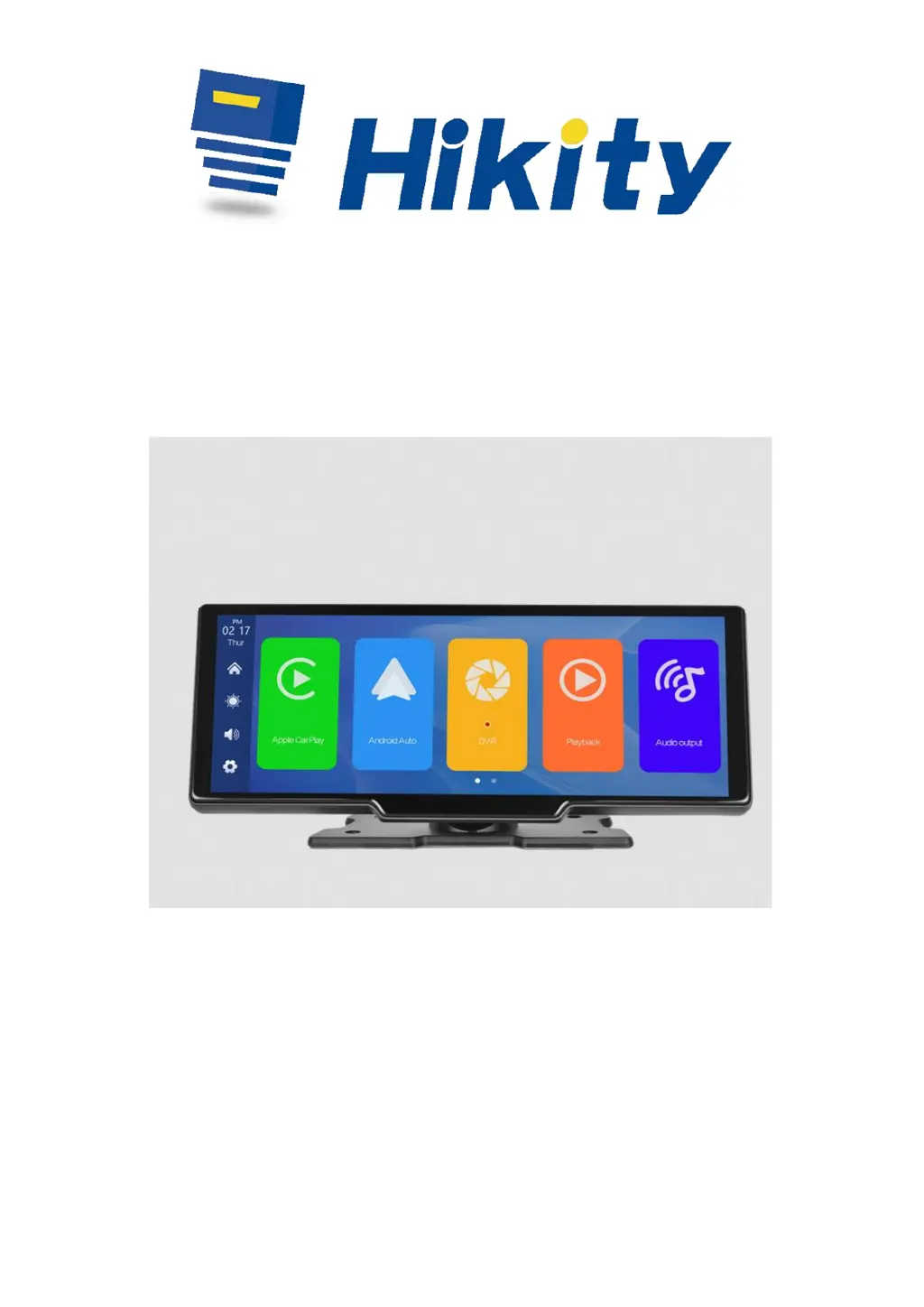
9.3 Inch Portable Car Stereo
T86DVR 9.3
Instruction Manual
The instruction manual must be placed in the box in such a way that it can be easily accessed
and referred to.
The instruction manual must always be kept with the product, even for secondary sales.
Thank you for choosing our company's products, please read this instruction manual
carefully before use.

Questions and Answers

  • M
    marygutierrezAug 6, 2025
    Why won't my CarPlay connect to my Hikity T86DVR 9.3 Car Receiver?
    • M
      margaretfrostAug 6, 2025
      CarPlay connectivity issues with your Hikity Car Receiver can arise for several reasons. First connection may take a little longer. Ensure that you are using an iPhone, as only iPhones support CarPlay. Verify that both WiFi and Bluetooth are functioning correctly on your phone. You might also try going to Settings- General-CarPlay vehicle on your iPhone, deleting all records, and then reconnecting. As a last resort, restart your iPhone and attempt to connect again.
  • D
    debbieboydAug 11, 2025
    What to do if Android Auto cannot connect to Hikity T86DVR 9.3?
    • C
      Christopher ShepherdAug 11, 2025
      If you're having trouble connecting Android Auto to your Hikity Car Receiver, keep in mind that only Android phones are supported. Ensure that the Auto app and related applications on your phone are updated to the latest versions. Disable any VPN you may be using on your phone. Also, check that WiFi and Bluetooth are enabled and working correctly. If the issue persists, try restarting your Android phone and reconnecting.
  • L
    Lynn WilliamsAug 15, 2025
    What to do if my Hikity T86DVR 9.3 is unable to start?
    • C
      Colin RivasAug 15, 2025
      If your Hikity Car Receiver fails to start, it is important to note that the T86DVR model supports 7V-32V car use, and high voltage cannot be used. Check the DC head of the cigarette lighter power cord for any damage or aging. Also, verify whether the fuse in the power plug is disconnected or burned out.
  • I
    ilawrenceAug 21, 2025
    Why does my Hikity T86DVR 9.3 freeze or jam?
    • D
      Daniel AllenAug 21, 2025
      If your Hikity Car Receiver experiences freezing or jamming, avoid exposing it to direct sunlight during use. If this occurs, disconnect the power supply and allow the unit's temperature to cool below 149°F (65°C) before normal operation will resume.
  • T
    terri66Aug 26, 2025
    What to do if the rear view camera has no image on Hikity T86DVR 9.3?
    • M
      Misty JamesAug 26, 2025
      If you're not seeing an image from the rear view camera on your Hikity Car Receiver, first ensure that you are using the manufacturer's matching rear view camera. Check that the AVIN interface is fully inserted. Also, verify that the camera format is compatible.
  • D
    Dr. Katherine SmithAug 31, 2025
    What to do if Hikity T86DVR 9.3 has no touch phenomenon?
    • T
      Tyler IrwinAug 31, 2025
      If the touch screen on your Hikity Car Receiver isn't responding, wait for the unit to power on completely before attempting to use the touch function. Check the touch for damage, and avoid touching the screen with sharp objects, as this can cause scratches and damage.

Summary

Product Overview

Product List

TF Card Specifications

Wiring Instructions

Camera Installation

Interface Specification

Apple CarPlay

Android Auto

Bluetooth Music

DVR

Bluetooth

Playback

FM Transmit

Android Cast

Airplay

WiFi Video

Settings

Record Resolution

Configure video recording resolution settings.

Split Time

Set the duration for video segmentation.

Microphone

Enable or disable the microphone for recording.

Image Mirror

Flip camera image horizontally or vertically.

Time Lapse Video

Configure settings for time-lapse video recording.

Voice Control

Reversing Control and Calibration

Parking Monitor

Troubleshooting

Product Parameters

Hikity T86DVR 9.3 Specifications

General IconGeneral
Display Size9.3 inches
BluetoothYes
USB Ports2
Video PlaybackYes
Radio TunerFM/AM
MicrophoneBuilt-in
Operating SystemAndroid
CPUQuad-core
RAM2 GB
ROM32 GB
Wi-FiYes
GPSYes
Rear Camera InputYes
Steering Wheel ControlYes
Power SupplyDC 12V
Supported Video FormatsMP4, AVI, MKV
Supported Audio FormatsMP3, WMA, FLAC
Resolution1024x600

Related product manuals