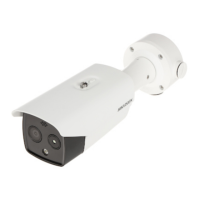
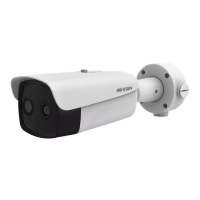
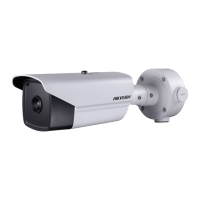
Figure 3-11 Secure the Junction Box
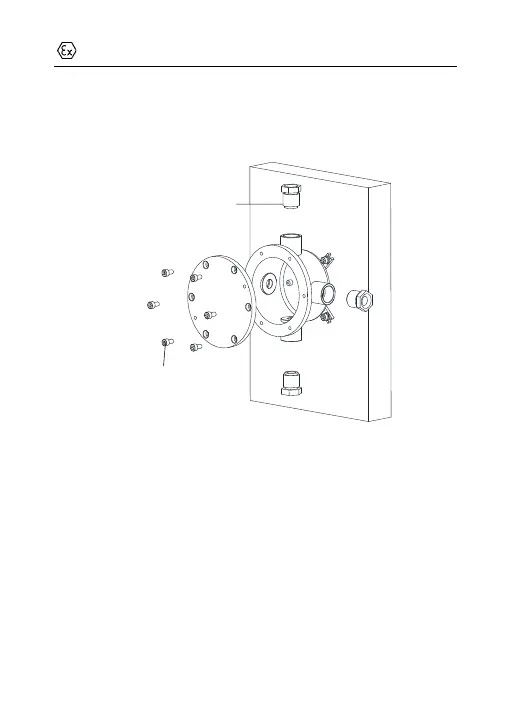
4. Loosen the screws to disassemble the junction box cover.
5. Loosen the cable glands and keep the glands aside.
Figure 3-12 Disassemble the Junction Box
6. Connect the cables.
1). Route the camera cables through the top cable gland and insert
them into the junction box.
2). Route the external cables through the bottom cable gland and
insert them into the junction box.
3). Poke through the sealing ring, and use the sealing rings to
cover the cables.


 To Next Page
 Loading...