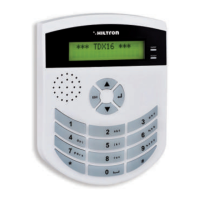
3.2.15 Volume of the beep on the inserting dx300
This option is used to set the intensity of the beep generated by the inserting DX300 when a key
must be recognized. In the menu, select
Dial the number of the inserter you need to modify from H high to L low and vice versa.
This configuration woks only on the inserters DX300.
Beep Inserter
>HHLL<
3.2.16 Privacy mode on inserter dx300
It is possible to visualize the status of the system on the inserters DX300 only when you bring near a
valid key KEY.
Select with the buttons the option:
On the second line of the display, are indicated the current settings with:
V for visualize or N for hide
Dial the number of the inserter that you want to modify.
Privacy Insert.
>VVVN<
3.2.17 Activation of the buzzer of the dx300 on the alarM
It is possible to enable or not the buzzer on the inserters DX300 in order to signal the the alarm of the
central computer.
In the menu SETUP select the option:
Dial the number of the inserter on which modify this option
N= NOT ENABLED
S=ENABLED
In case of alarm, the inserters DX300 on which this function is active, will give the signal of alarm loudly,
without considering the setting “L” for the inserter BEEP.
Beep Al. Insert.
>NNSN<
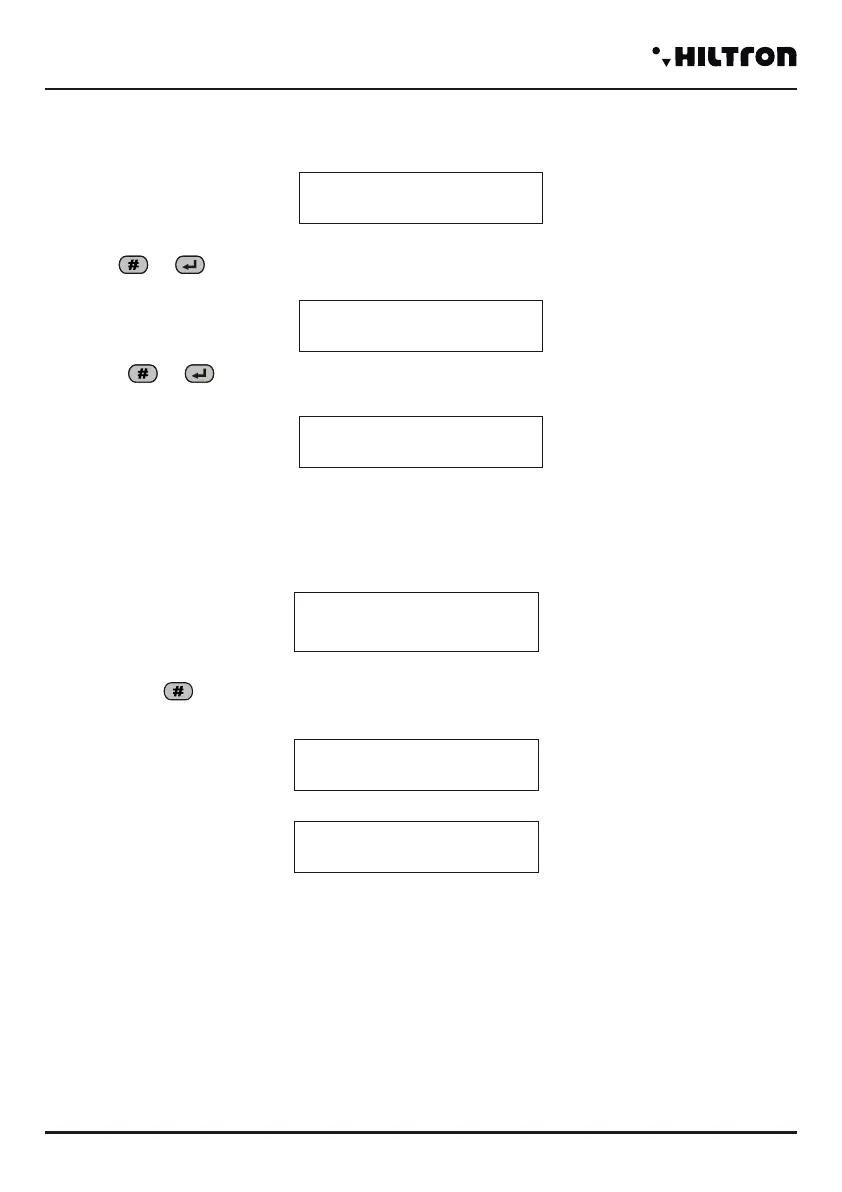
3.2.13 Enabling with input key
Allows to set what kind of insertion will be carried out with a pulse on the terminal “KEY”.
Select:
Press or to modify this parameter
and dial or to achieve:
Enter Input Key
Total installation
Enter. Input Key
Partial Inst. A
Enter Input Key
Partial Inst. B
3.2.14 Kind of insertion from remote controller ( for DXR20/XR20)
This option is used to select what kind of insertion will be carried out from remote controllers with two
buttons DXR20/XR20 .
Use the button # to switch from a kind of insertion to another.
With the remote controller DXR4 (with 4 buttons) the button above on the left can enable the TOTAL
system, while the two buttons below can enable the PARTIAL INSTALLATION A and the PARTIAL
INSTALLATION B, independently from how this parameter is set.
Ent.from Rem cont.
Partial Inst. A
Enter from Rem cont.
Total installation
Ent.from Rem cont.
Partial Inst. B
TotaI stallation
Partial Installation A
Partial Installation B
Programming
security
PROTEC4GSM - PROTEC8GSM - Installation guide and use
security
2726


 To Next Page
 Loading...