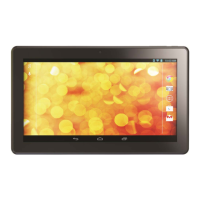
Need help?
Do you have a question about the Hipstreet Equinox 3 and is the answer not in the manual?
Explains how to turn the tablet on, off, and manage its sleep or wake states.
Describes how to put the tablet into standby mode and how to wake it up.
Guides users on locking and unlocking the device screen for security and access.
Instructions on connecting to Wi-Fi and using the web browser for internet access.
Covers how to use the camera for taking photos and recording videos, including settings.
Guides on connecting to and managing wireless local area network (Wi-Fi) settings.
Answers frequently asked questions and offers solutions to common user issues and troubleshooting.


 To Next Page
 General