2 Operation instruction
2‑1Basicoperation
2‑2Modeinstruction
2‑2‑1Weighingmode
JIMMY scale has four different modes. Weighing mode, dual display mode, pour over mode
and espresso mode. In order to make different espresso extraction, we designed three
different states in espresso mode. (You can see the following details in chapter 2-3-4)
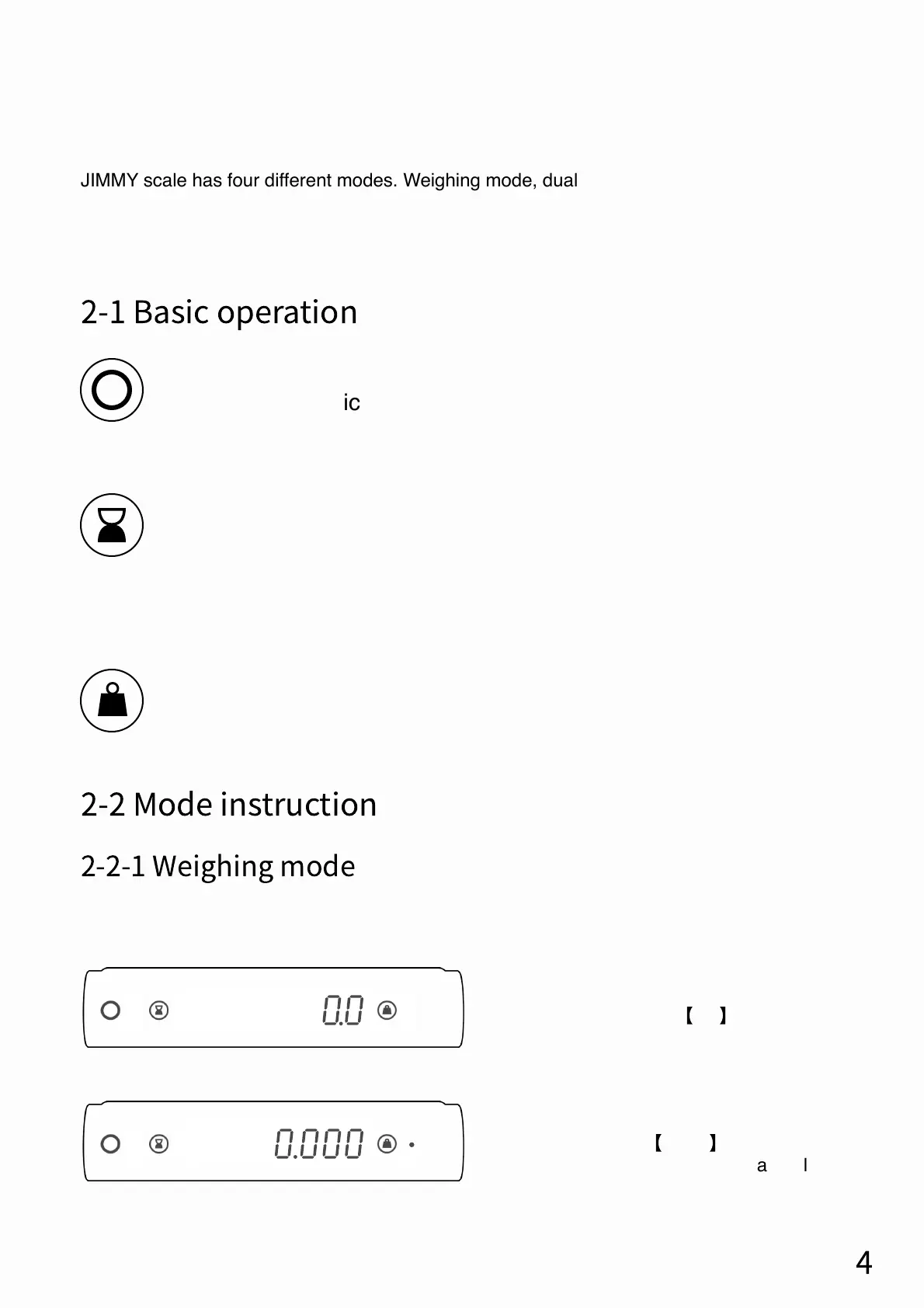
This mode only shows the weight of the weighing object on the scale. There are two
different units for this mode : grams (g) and ounces (oz).
When the weighing unit is ounces (oz), the
display bar shows
【
0.000
】
When the weighing
unit is ounces (oz), there will be a dot light on
the right side of the display bar.
When the weighing unit is gram (g),
the display bar shows
【
0.0
】
4
Turn on/Turn off (Press power button 2 second)
Switch mode (Click)
Timer start/stop (Click)
Timer zero (Click)
Timer zero & Tare weight (Double click)
Tare weight (Click)
Switch weighing unit (Double click)


 To Next Page