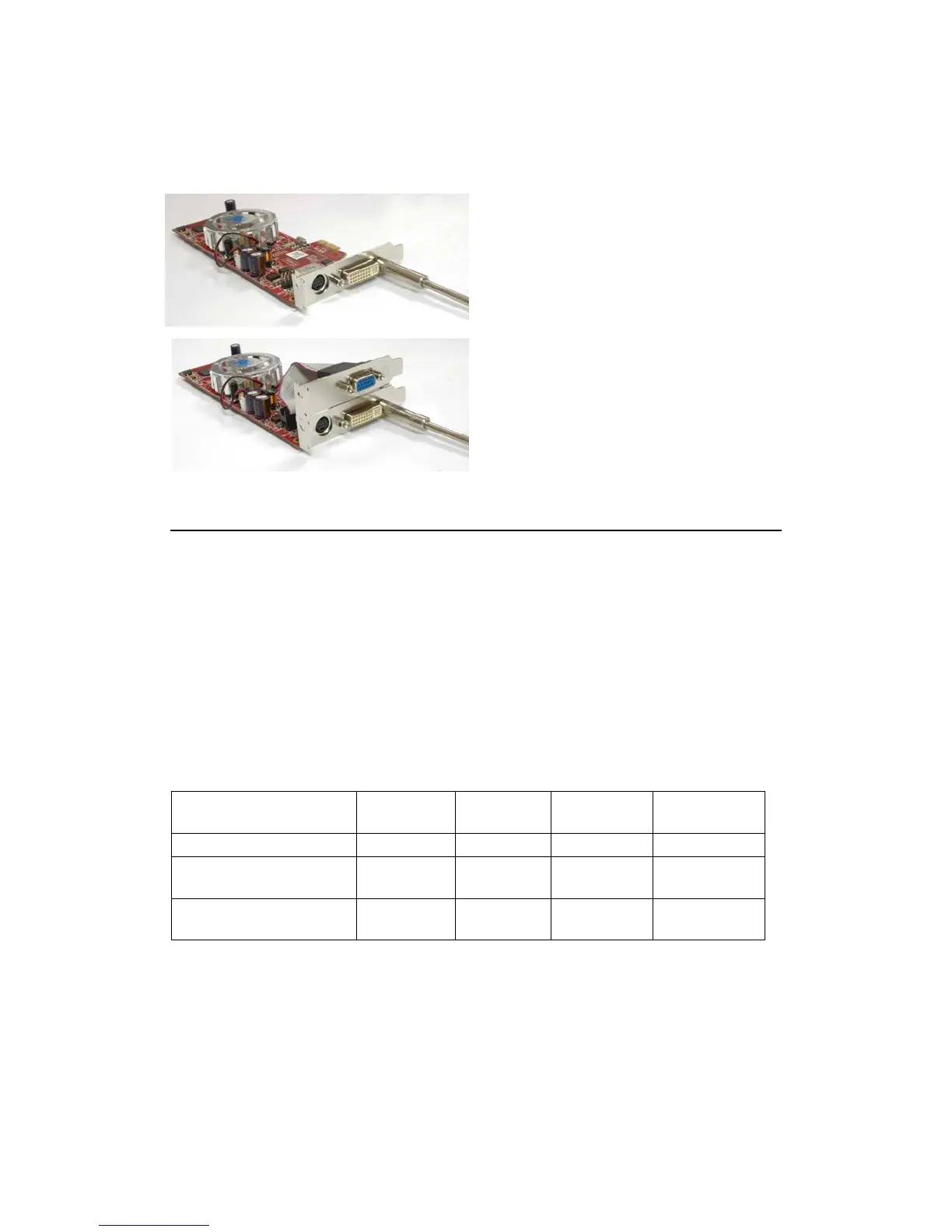
Step 3: Installing the low-profile bracket
• Fit your selected bracket onto
the card
•
Screw up the screws that you
have removed previously
•
If you are using the (S-
Video/DVI) + (D-Sub) bracket,
make sure to screw up both the
DVI and VGA ports
Step 4: Install the card back to your computer
• Install the card in your computer
• Power on the computer and install the driver and utilities using the HIS
driver CD supplied
• You are done!
Low Profile Bracket Matrix
Model
BKT-R7B2NT
(DVI)
BKT-GE44NT
(VGA)
BKT-S8M2NT
(DVI)
BKT-SB22NT
(DVI)
7000 / 9250 / 9550 X X
X300SE / X550 / X1050 X X
X1300 / X1550 / X1600Pro /
HD 2400Pro
X X



 To Next Page