5
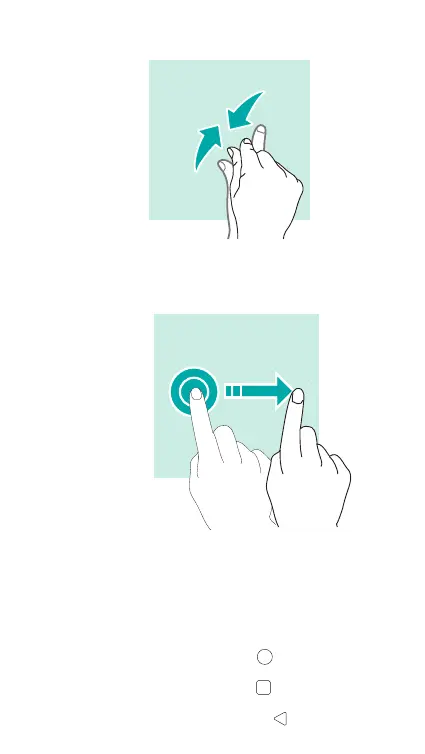
Pinch to zoom out.
Dragging
To move an item, tap and hold it and drag it to the target posi-
tion.
Using the navigation bar
You can nd your navigation bar control at the bottom of your
screen.
• To go back to the home screen, tap .
• To open the list of recent apps, tap .
• To go back to the previous screen, tap .













 To Next Page