8 / 20
2 Your phone
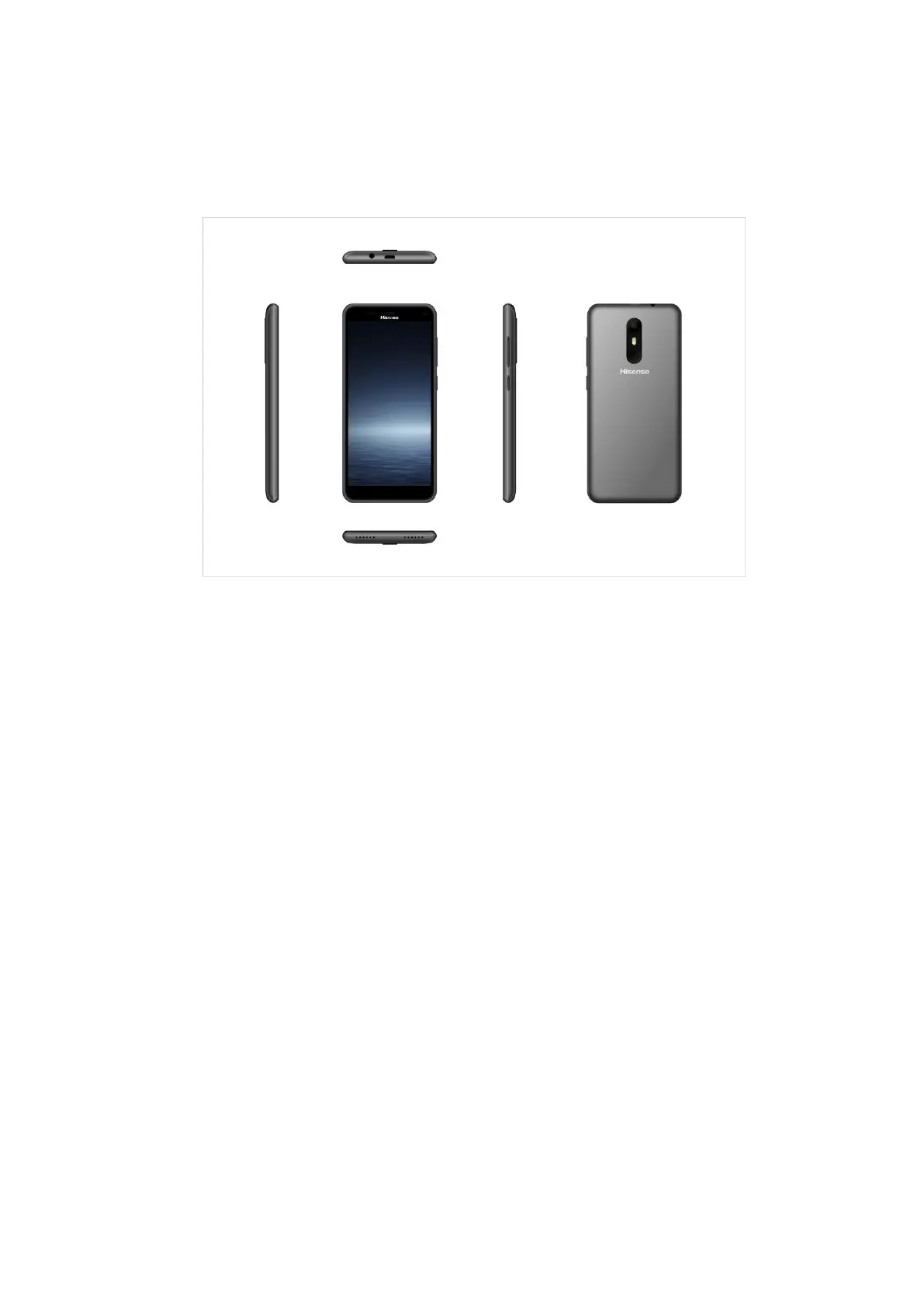
2.1 Phone overview
2.2 Functions of Keys
The mobile phone provides the following keys:
Power key
Power key situates at the right side of the phone. While using the phone, you can press this key to lock
screen; if you press and hold this key, a phone-options dialog would pop out. Here, you can select to adjust
the profile mode, power off, restart.
Volume key
Volume key situates at the upper side of the power key. You can press it to adjust ring volume.
2.3 Functions of icons
Recent app icon
Touch this icon to access the Apps which we recently used ;
Home icon
Touch it to open home screen. If you’re viewing the left or right extended Home screen, touch it can
enter the home screen; Long press this icon to access Google now;
Back icon
Touch this icon to return to the previous screen.



 To Next Page