GB - 7 -
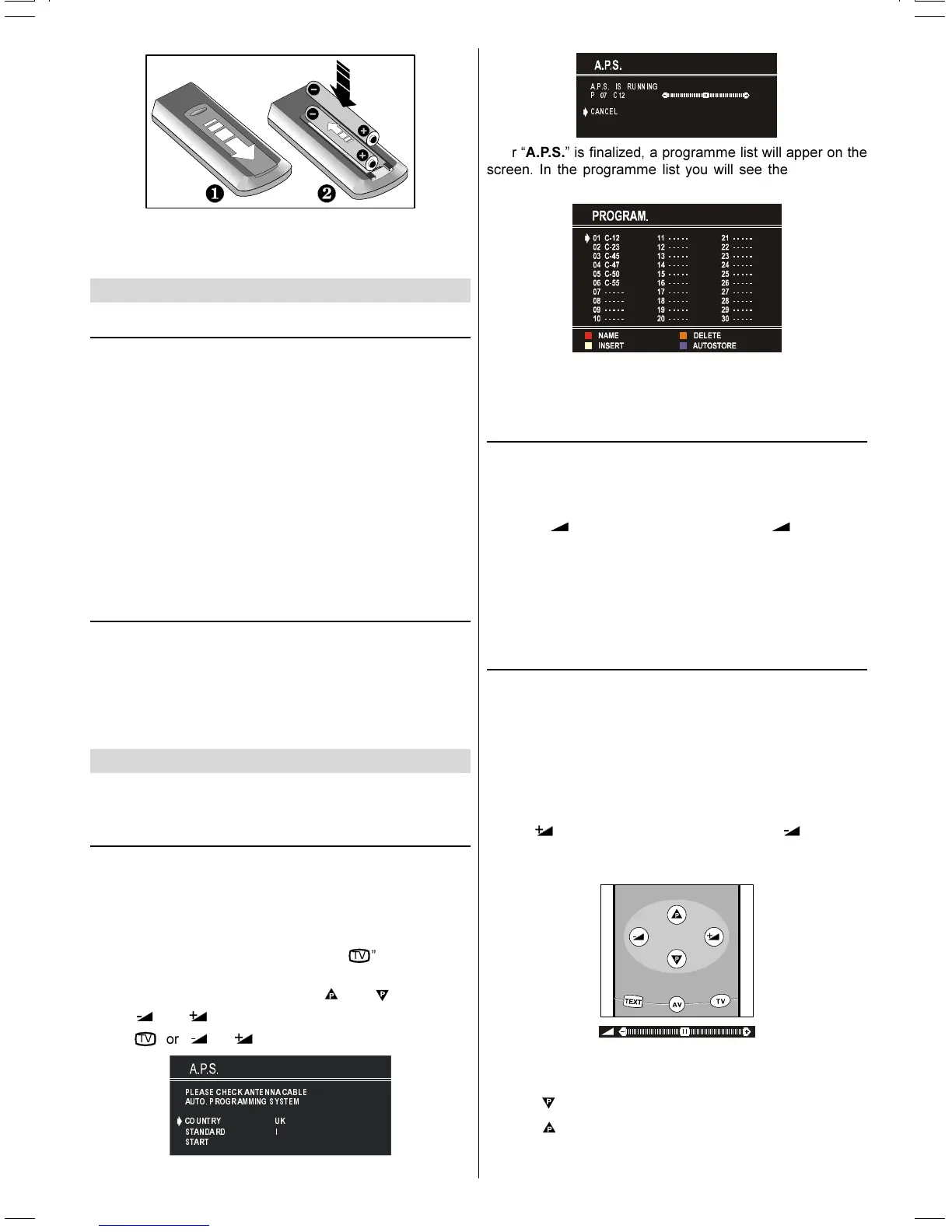
NOTE: Remove batteries from remote control handset when
it is not to be used for a long period.Otherwise it can be dam-
aged due to any leakage of batteries.
Switching the TV ON/OFF
To switch the TV on
Your TV will switch on in two steps:
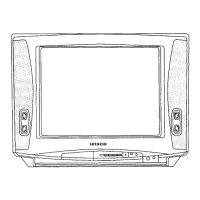
1- Press the power button located on the front of the TV. Then
the TV switches itself to standby mode and the RED LED
located below the TV turns on.
2- To switch on the TV from stand-by mode either:
Press a digit button on the remote control so that a pro-
gramme number is selected,
or,
Press Programme Up or Down buttons on the front of the TV
or on the remote control, so that last switched off programme
is selected.
In either case the TV will switch on and the RED LED will turn
to GREEN.
To switch the TV off
Press the stand-by button on the remote control, so the TV
will switch to stand-by mode and the GREEN LED will be-
come RED,
or,
Press the power button located on the front of the TV, so the
TV will switch off and the GREEN LED will turn off.
Operating the TV
You can operate your TV both using the remote control
handset and onset buttons.
A.P.S. (Automatic Programming System)
"PLEASE, CHECK ANTENNA CABLE. AUTO PROGRAM-
MING SYSTEM" message will be displayed when you turn on
your TV for the first time. A.P.S., searches and sorts all
channels and stores them automatically on your TV, accord-
ing to the transmission of programme systems in your area.
To cancel A.P.S. before starting, press
79
button. First of
all choose the COUNTRY. This, will effect the sort process
in A.P.S.. To select START use
or button and
press
or button. To cancel A.P.S. during running
press
79
or , button.
3/($6 (&+(&.$17(1 1$&$%/(
$87235 2*5$00 ,1*6<67(0
&2 8175<
67$1'$ 5'
67$57
8.
,
$36 ,6 5811,1*
3 &
&$1&(/
After A.P.S. is finalized, a programme list will apper on the
screen. In the programme list you will see the programme
numbers and names assigned to the programmes.
If you do not accept the locations and / or the programme
names of programmes, you can change them in Programme
menu.
Operating with the buttons on the TV set
Volume setting and programme selection can be made using
the buttons on the front panel.
Volume Setting
Press - button to decrease volume or + button to
increase volume, so a volume level scale (slider) will be dis-
played at the middle of the bottom on the screen.
Programme Selecting
Press P + button to select the next programme or - P
button to select the previous programme.
Operating with Remote Control
The remote control handset of your TV is designed to control
all the functions of the model you selected. The functions will
be described in accordance with the menu system of your
TV.
Functions of the menu system are described in Menu Sys-
tem section.
Volume Setting
Press button to increase volume. Press button to
decrease volume. A volume level scale (slider) will be dis-
played at the middle of the bottom on the screen.
Programme Selecting (Previous or next
programme)
Press button to select the previous programme.
Press
button to select the next programme.
(C2143S)-ENG&2172HAV-2217-VST-BSI-AK30-STEREO-7P-HITACHI.p65 08.01.2003, 10:117


 To Next Page
 Loading...