9
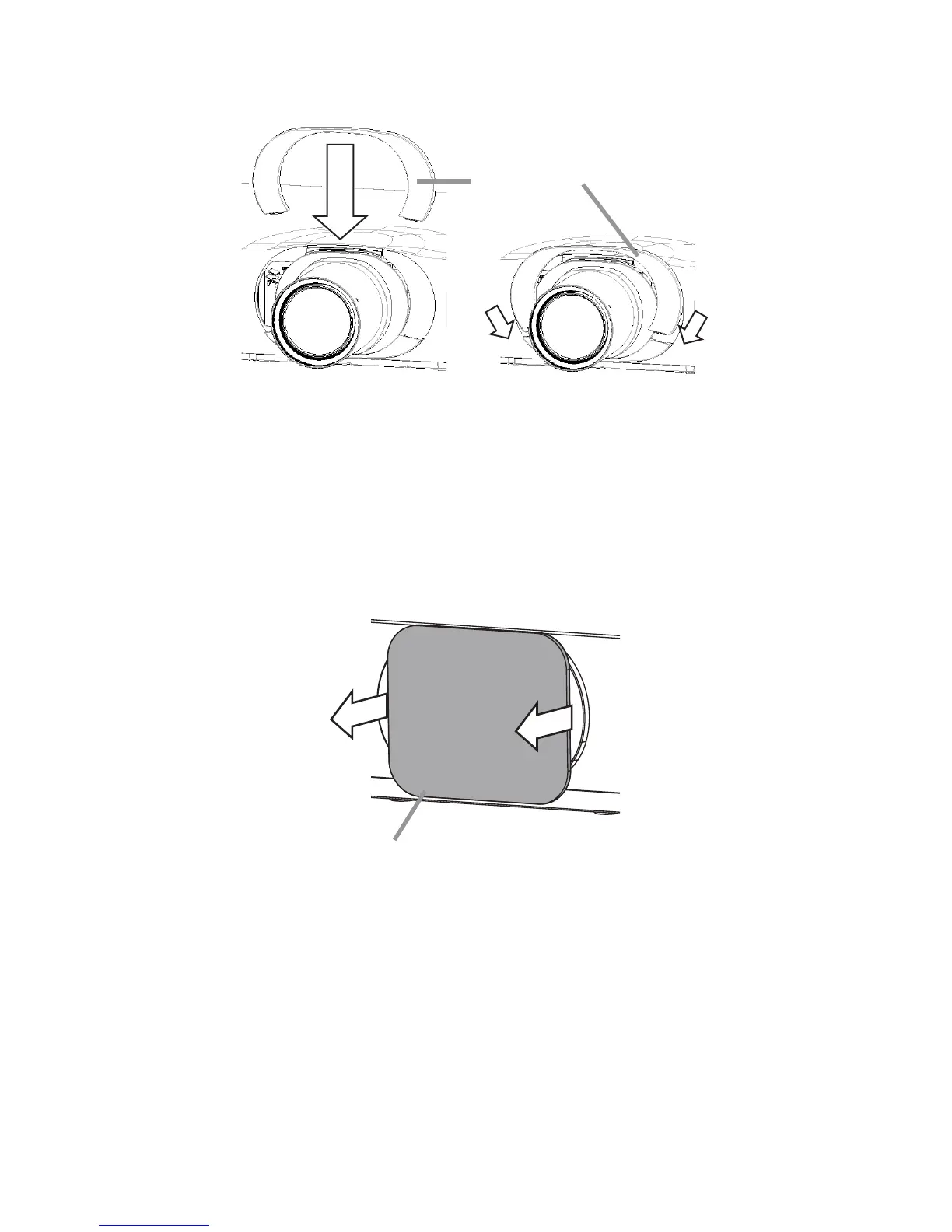
2. Attaching the front cover
Insert the front cover into the projector body.
Front cover
(upper part)
Lens Installation and Removal
■
Compatible Models
For CP-X8800, CP-WX8650, CP-WX8750, CP-WU8600, CP-WU8700
Lens Installation Procedure
1. Pull out the dust protector knobs to remove it.
Note
• Keep the dust protector for future use.
Dust protector



 To Next Page