EasyManua.ls Logo

Hitachi VIP2000 - Page 5

Hitachi VIP2000
6 pages
Print Icon
To Next Page IconTo Next Page
To Previous Page IconTo Previous Page
Loading...
ADDITIONAL
INFORMATION
1.
CED
VIDEO
DISC
AND
CADDY
The
CED
(Capacitance
Electronic
Disc)
Disc
is
housed
in
a
hard
plastic
case
called
“Caddy”,
which
protects
the
Disc
from
damage
by
scratches,
finger
prints
or
dust,
and
warping.
So
never
remove
the
Disc
from
the
Caddy.
If
the
Disc
is
damaged,
picture
and
sound
will
permanently
be
degraded
when
that
Disc
is
played.
CAUTION:
@
If
a
malfunction
occurs
and
the
Disc
cannot
be
removed
from
the
Player,
please
take
the
Disc
Caddy
along
with
the
Player
when
you
take
it
for
service.
To
avoid
losing
the
empty
Caddy
and
to
protect
the
Disc
from
possible
damage
or
warping,
be
sure
to
remove
the
Disc
from
the
Player
when
you
finish
enjoying
playback
of
the
Disc.
To
protect
the
Disc
from
the
possible
damage
or
warping,
if
the
Disc
is
left
inside
Your
Player
for
longer
than
a
few
minutes
it
is
automatically
shifted
from
STANDBY
MODE
to
PAUSE
MODE.
Push
RETURN
button
to
remove
the
Disc.
Do
not
carry
the
Player
while
the
Disc
is
left
inside,
and
do
not
let
vibrations
affect
the
Player.
The
Disc
may
slip
off
inside
the
Player
and
may
not
be
removable.
Be
sure
to
use
an
empty
Caddy
when
removing
the
Disc
from
the
Player.
The
Disc
can
not
be
removed
when
a
Caddy
which
already
contains
a
Disc
is
inserted.
Install
the
Player
so
that
all
four
feet
of
the
Player
are
on
a
flat
and
solid
surface
free
from
vibration.
2.
POWER
LINE
FAILURE
©
Power
line
failure
for
a
short
duration
might
cause
momentary
picture
muting
or
the
Player
to
return
to
the
STANDBY
MODE.
3.
TO
USE
THIS
PLAYER
WITH
YOUR
VCR
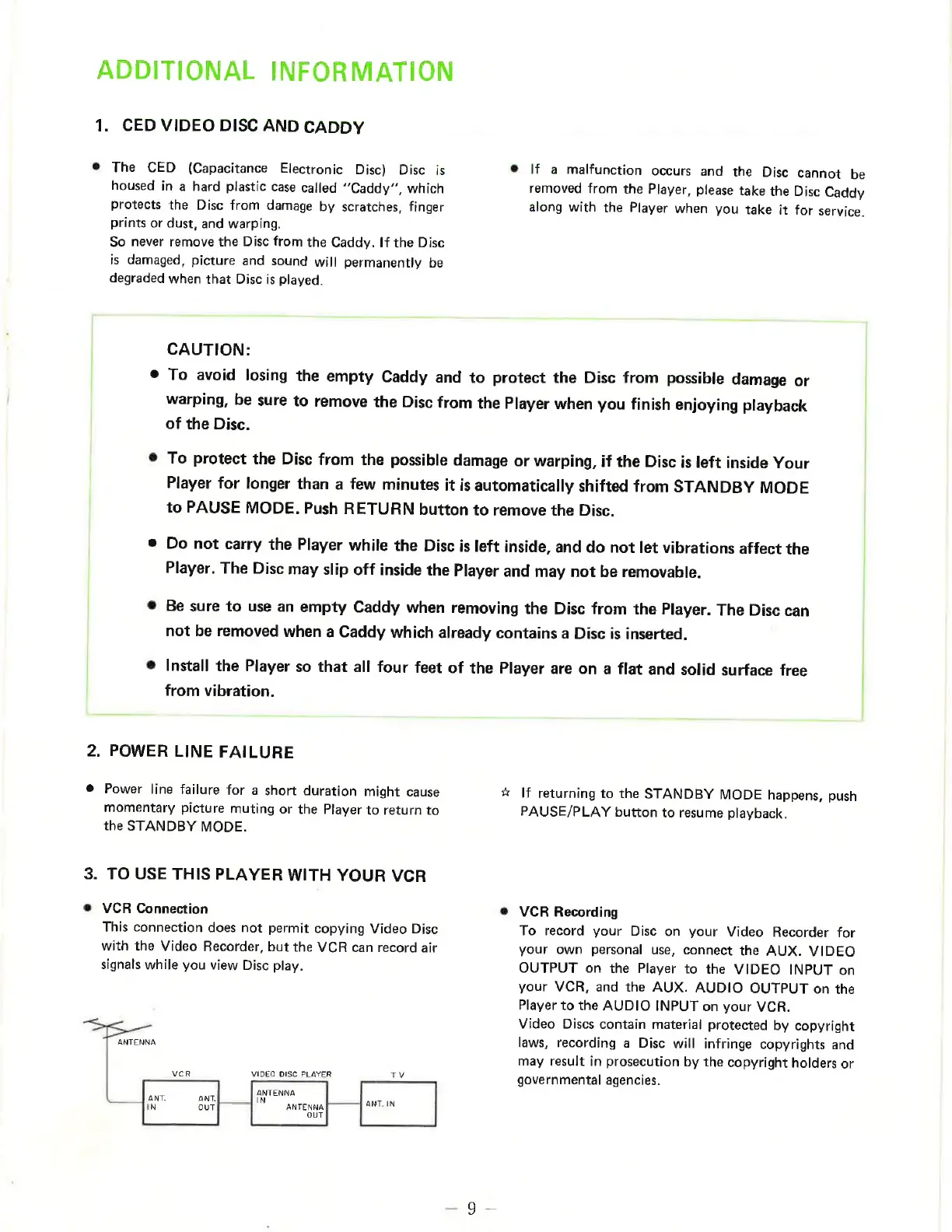
VCR
Connection
This
connection
does
not
permit
copying
Video
Disc
with
the
Video
Recorder,
but
the
VCR
can
record
air
signals
while
you
view
Disc
play.
ANTENNA
VIDEO
DISC
PLAYER
TV
VCR
ANT.
ANT.
ANTENNA
;
|
i
IN
OUT
ANTENNA
ANT.
IN
OUT
#
If
returning
to
the
STANDBY
MODE
happens,
push
PAUSE/PLAY
button
to
resume
playback.
VCR
Recording
To
record
your
Disc
on
your
Video
Recorder
for
your
own
personal
use,
connect
the
AUX.
VIDEO
OUTPUT
on
the
Player
to
the
VIDEO
INPUT
on
your
VCR,
and
the
AUX.
AUDIO
OUTPUT
on
the
Player
to
the
AUDIO
INPUT
on
your
VCR.
Video
Discs
contain
material
protected
by
copyright
laws,
recording
a
Disc
will
infringe
copyrights
and
may
result
in
prosecution
by
the
copyright
holders
or
governmental
agencies.

Related product manuals