EasyManua.ls Logo

Hitachi WorldSpace KHWS1 - User Manual

Hitachi WorldSpace KHWS1
108 pages
Print Icon
To Next Page IconTo Next Page
Loading...
HITACHI-KH-WS1(E)
Á„ãŒË
Español 
English Français
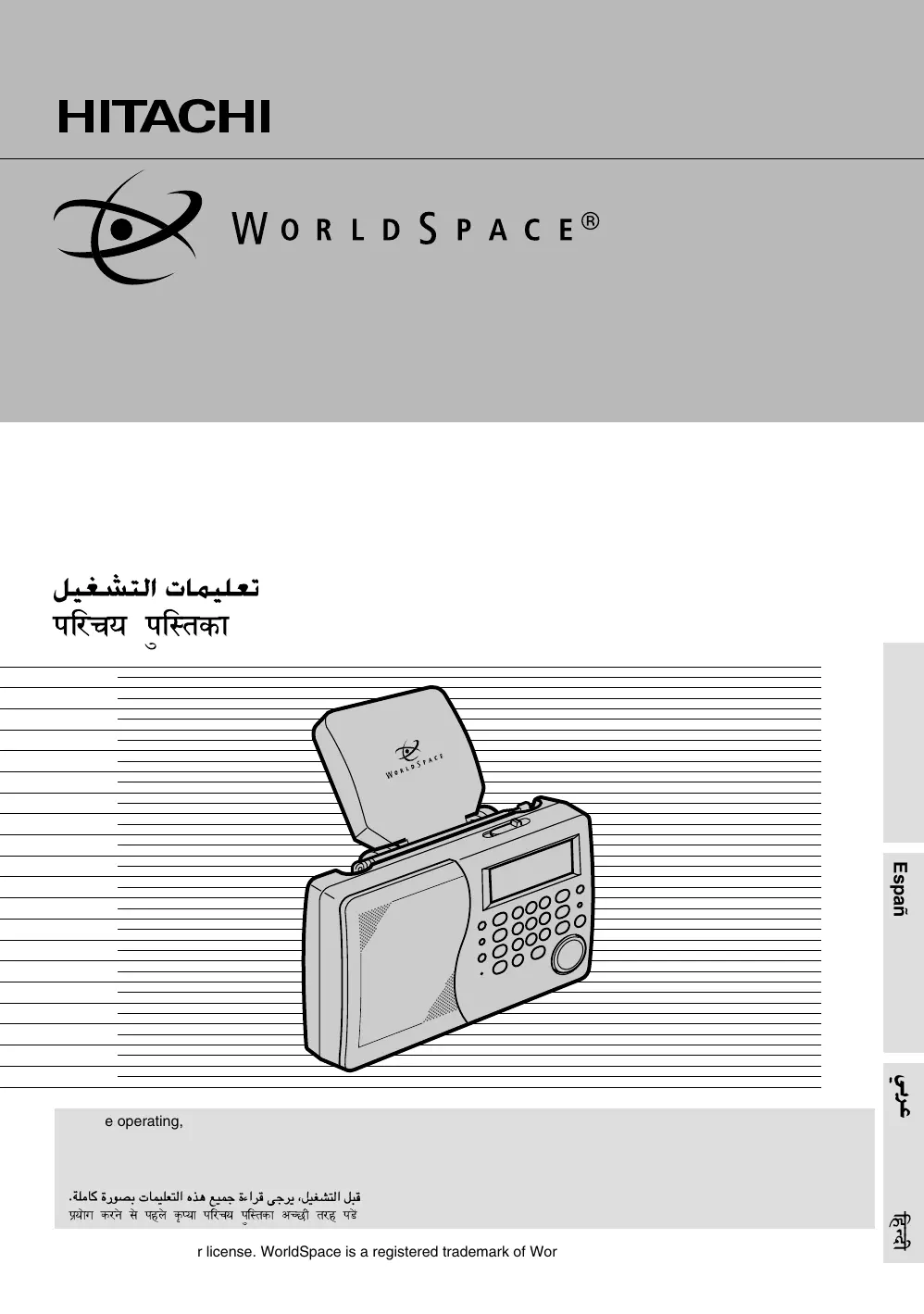
DIGITAL RECEIVER
KHWS1
Operating guide
Guide d’utilisation
Guía de funcionamiento
 !"
“Á⁄øÿ “GÁñÃ∑Ê
Before operating, please read all these instructions thoroughly.
Veuillez lire attentivement ces instructions avant d’utiliser l’appareil.
Antes de poner en funcionamiento el aparato sírvase leer con atención estas instrucciones.
 !"#$%&'() *+,-
“˝ÿÊTÇÊ ∑⁄–T ‚T “„‹T ∑CåÿÊ “Á⁄øÿ “GÁñÃ∑Ê •Ñ¿Ë Ã⁄„ “«T[
.
Manufactured under license. WorldSpace is a registered trademark of WorldSpace Corporation. All rights reserved.
01 KH-WS1.pm65C 10/11/00, 2:34 PM1

Table of Contents

Questions and Answers

  • R
    Rachel McneilAug 4, 2025
    What to do if my Hitachi Receiver is not working even when pressing the right buttons?
    • C
      Connor ValdezAug 5, 2025
      If your Hitachi Receiver system functions incorrectly, even after pressing the correct buttons, try pressing the RESET button using a thin paper clip or similar object. This will restore all settings to the factory defaults. Please note that this will clear the clock settings and preset radio station memories (except WS), so you will need to reset them.
  • M
    Michael LiAug 14, 2025
    Why is my Hitachi Receiver receiving WS but there is no sound?
    • S
      Shane ClarkAug 14, 2025
      If your Hitachi Receiver unit receives WS (WorldSpace digital broadcast) but there's no sound, check the following: * If “CODED” is lit, you need to contact the WorldSpace Center to listen to the SC (Service Channel program). * If the BC (BroadCaster) name and “DATA” appear alternately, the BC is not radio broadcasting, and you cannot listen to it. * Check if the current BC is over.
  • R
    Robert CastroNov 23, 2025
    What to do if my Hitachi WorldSpace KHWS1 cannot receive WS and “NO BEAM” is lit?
    • D
      Douglas OlsonNov 23, 2025
      If your Hitachi Receiver unit cannot receive WS (WorldSpace digital broadcast) and “NO BEAM” is lit, consider the following: * Ensure the WS antenna points towards the satellite with the logo facing up. * Check for obstructions between the satellite and the WS antenna. Window glass can weaken the signal. * Note that the unit cannot receive WS if the WS antenna is indoors. * Verify that the WS antenna, extension coaxial cable, and the unit are correctly connected if you are using an extension cable. * If using an extension coaxial cable, ensure it is not longer than 5 meters. * Interfering radio waves may prevent WS reception. Try adjusting the WS antenna in this case. * Confirm that you have selected your area's beam. * If the frequency of your area's beam has changed, try...

Hitachi WorldSpace KHWS1 Specifications

General IconGeneral
TypeSatellite Radio Receiver
BrandHitachi
ModelWorldSpace KHWS1
TuningDigital
Satellite BandsL-band
Digital Audio BroadcastingYes
Power12V DC
DisplayLCD
Audio OutputStereo
Headphone JackYes
AntennaBuilt-in
CompatibilityWorldSpace Satellite Network
Power SupplyAC/DC

Related product manuals