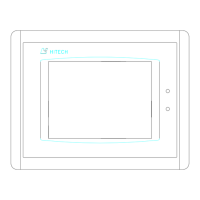
About PWS1711/1760
3. Use a pencil that is not sharp or anything that is soft and suitable to pin-point the
white dot on the screen. The small dot moves to the lower-left corner of the screen
and the message changes to "Pin-point the white dot of membrane on the lower-right
corner.”
Do not use anything that is made of metal or is sharp, such as a
screw driver or ball pen to pin-point the touch panel.
4. Pin-point the white dot again. The calibration is completed. The System menu
displays again.
Hitech Electronics Corp.
G-11


 To Next Page
 Loading...