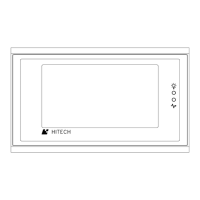
About PWS700T
B.7 Self Test
After power is applied, the Workstation runs a self-test
that checks its hardware. After each test, the Workstation
displays the result as shown in the following example. The
version number of ROM BIOS refers to the EPROM chips, which
will likely never change.
Industrial Workstation
ROM BIOS Version 1.0
(C) 98’ Hitech Electronics Co.
Display Type Mono STN LCD
System RAM Size 128 KB
Video RAM Size 32 KB
Firmware Memory Size 128 KB
User Memory Size 640 KB
Working RAM Test Passed
BIOS ROM Checksum Passed
Firmware Checksum Passed
Application Checksum Passed
Com. Port Test Passed
DIP SW Setting (8..1)=11001111
If you have interrupted a download to the 700T by switching
off the power, disconnect the communication cable, or click
cancel button in the ADP3 while a download is in progress,
the self-test may report a problem in the Firmware Checksum
or Application Checksum. You can ignore these errors and try
to download again.
If there are any items of the self-test the 700T does not
pass, the message “Error ! Press any keys to go on.” appears.
The Workstations continues its operation after you press any
keys.
Hitech Electronics Corp.
B-9


 To Next Page
 Loading...