Supplement B
PLC Workstation
B.5.2 Running Diagnostics
To run the Workstation's built-in diagnostics program,
use the following procedures:
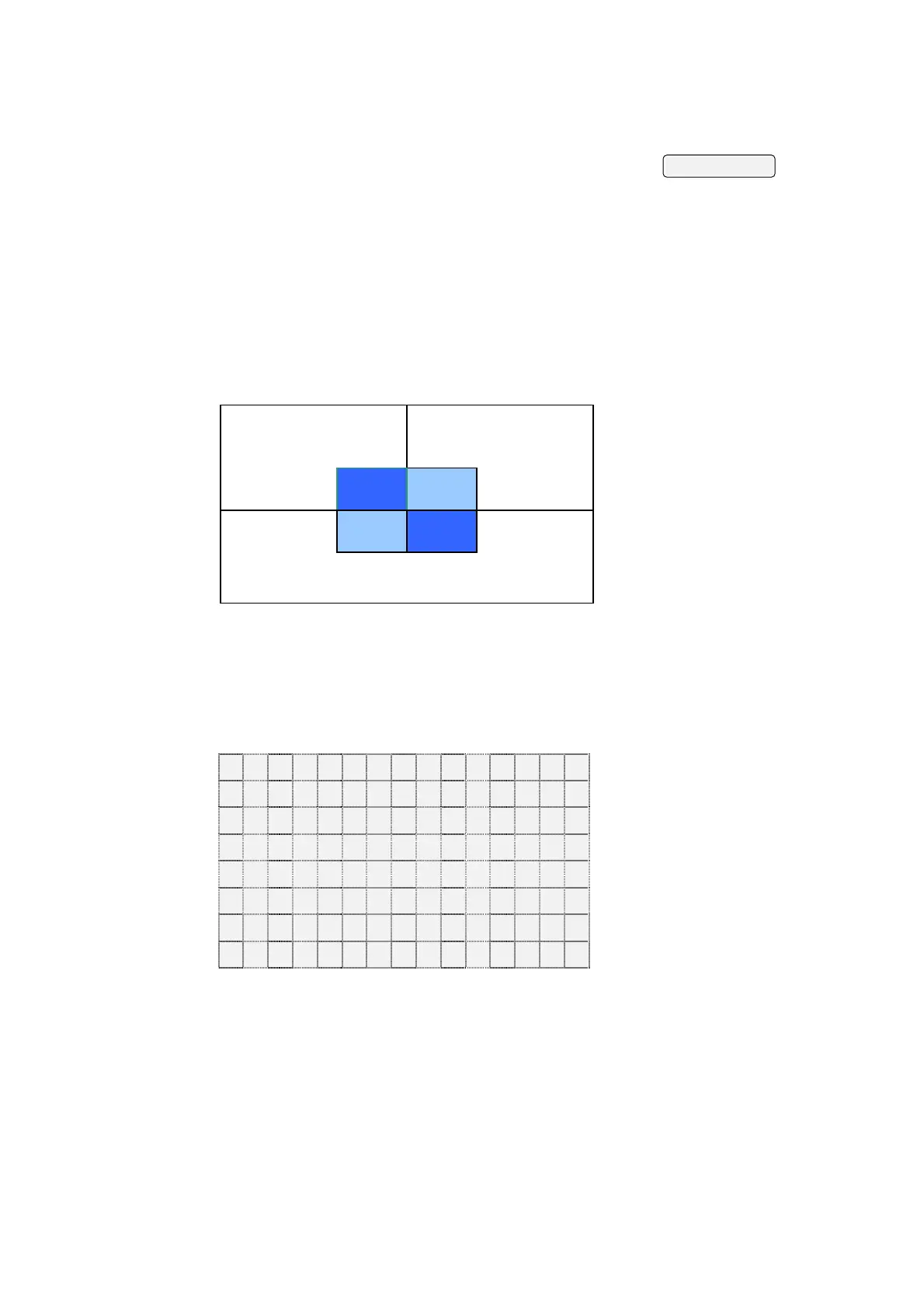
1) Set DIP switches SW3 and SW4 of the 700T to off.
After power on, the 700T displays the following
pattern.
Increase Contrast
Save & Quit
Decrease Contrast
2) Press Save & Quit. If the touch key can work, the 700T
displays the following screen to let you test each of the
15x8 small rectangular cells to represent the 120 touch
switches. You can't return to Diagnostic Menu until you have
pressed every touch switches.
3) To calibrate the touch panel switches, press it and see
if the corresponding cell on the 700T screen changes color.
B-6


 To Next Page