14
Troubleshooting:
If you need to identify which of your Hive thermostats belongs to which
receiver follow these steps:
1
Turn the heating o in every zone using the app or thermostats
2
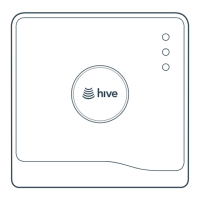
When you look at the receivers the ‘central heating’ light should
be switched o on each receiver
3
Turn the heating on in one zone only by using the app or thermostat.
The ‘central heating’ light on one receiver will turn green showing that
this thermostat is paired to this receiver
4
Repeat these steps to identify which receivers your other thermostats
are paired with.
For more information on Hive Multizone, please visit hivehome.com/support



 To Next Page