• Under Settings select
Install devices. Your hub
will then start looking for
your Hive Signal Booster.
Once your Hive Signal Booster
appears on the screen,
you can name it and press
Save to complete setup.
4
That’s it!
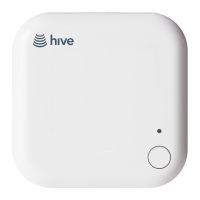
The LED light on your Hive Signal
Booster will now be solid and
always on and your Hive devices will
automatically talk to your hub.


 To Next Page
 Loading...