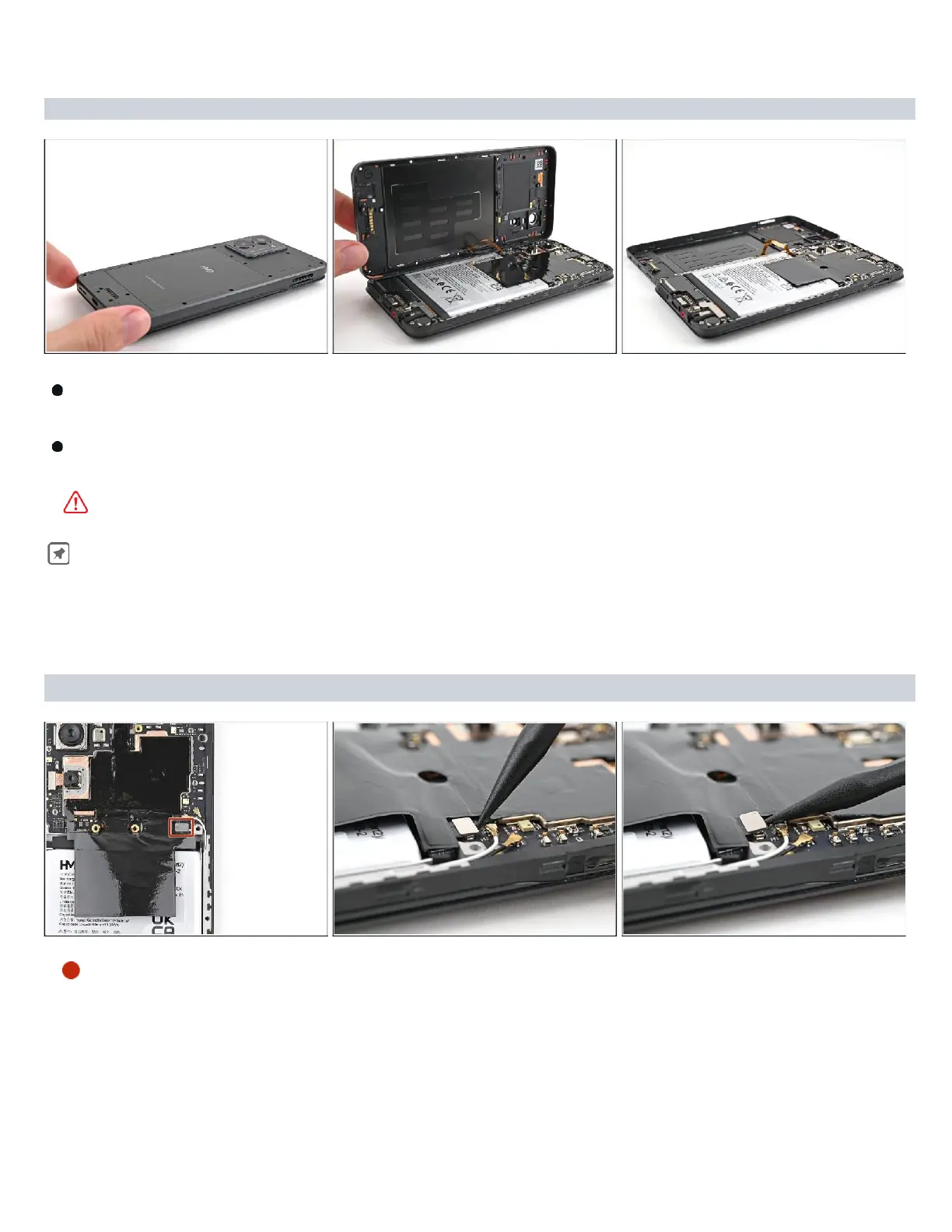
Carefully flip your phone over so the back cover is facing up.
Lift
the back
cover
off
the frame
and
flip
it
over
the
left
edge
of
your
phone,
laying
the
cover flat on your work surface.
Be
very
careful not to strain the back
cover's
delicate
cable.
During reassembly, place
the back
cover
onto the frame
and
firmly
press around
the
perimeter to reengage all the clips.
Step 9 — Disconnect the battery
Use
a spudger
to
pry up and
disconnect the battery press connector
. ( Refer Snap-1
on
next Page )



 To Next Page