INTRODUCTION
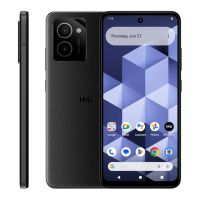
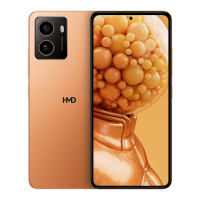
Follow this guide to replace a dead or worn-out battery in your HMD Skyline smartphone.
Your phone's lithium-ion battery has a limited lifespan. If your phone dies quickly
and doesn't hold a charge, it may be time to replace the battery.
You'll need replacement battery adhesive to complete this repair.
If your battery is swollen, take appropriate precautions.
TOOLS:
T3 Torx Screwdriver
Opening Picks ( Set of 6 )
Spudger Tweezers
Step 1 — Prepare your phone for disassembly
Let your phone's battery
drain below 25% before
starting this repair. A
charged
lithium‑ion battery may catch
fire if damaged.
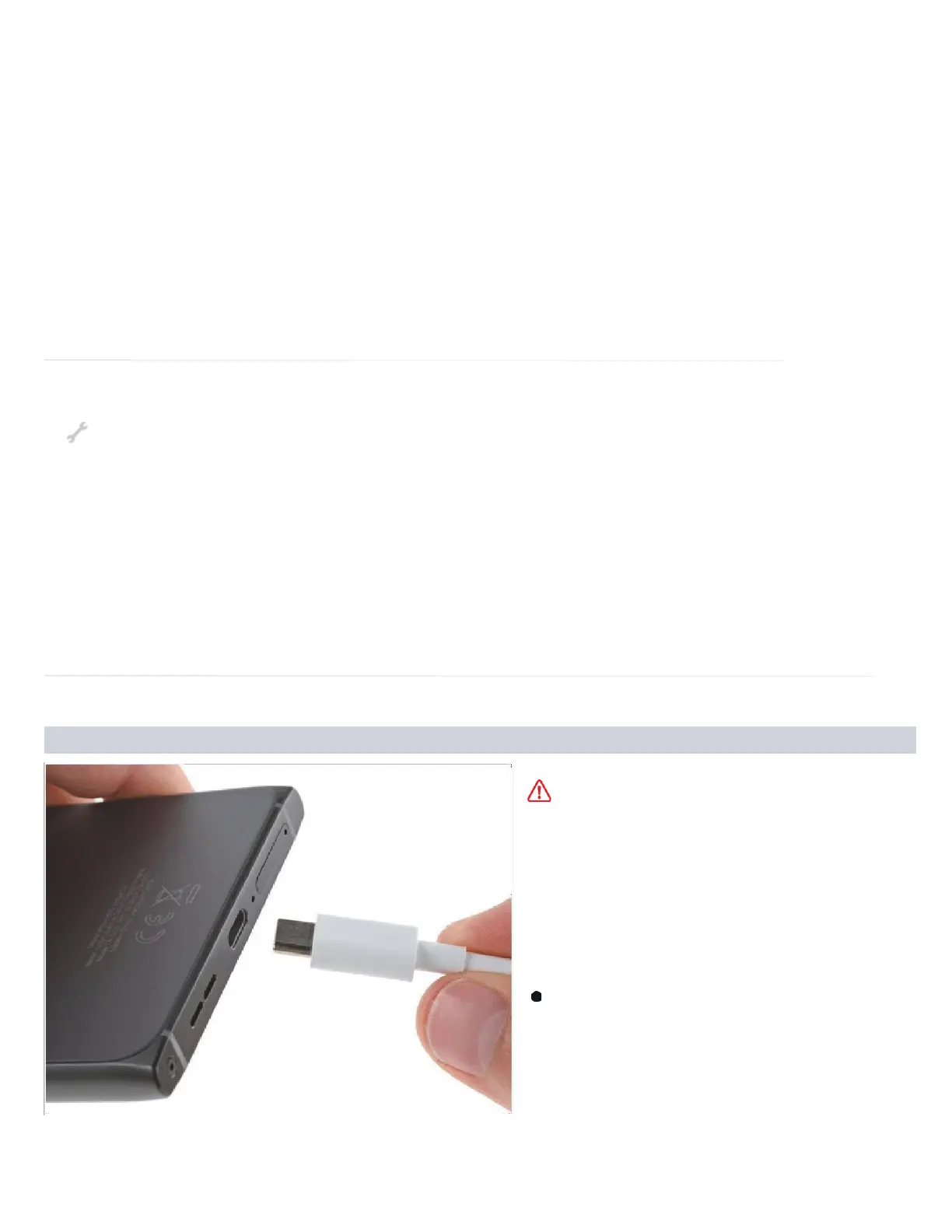
Unplug all cables and
completely power off your
phone.


 To Next Page