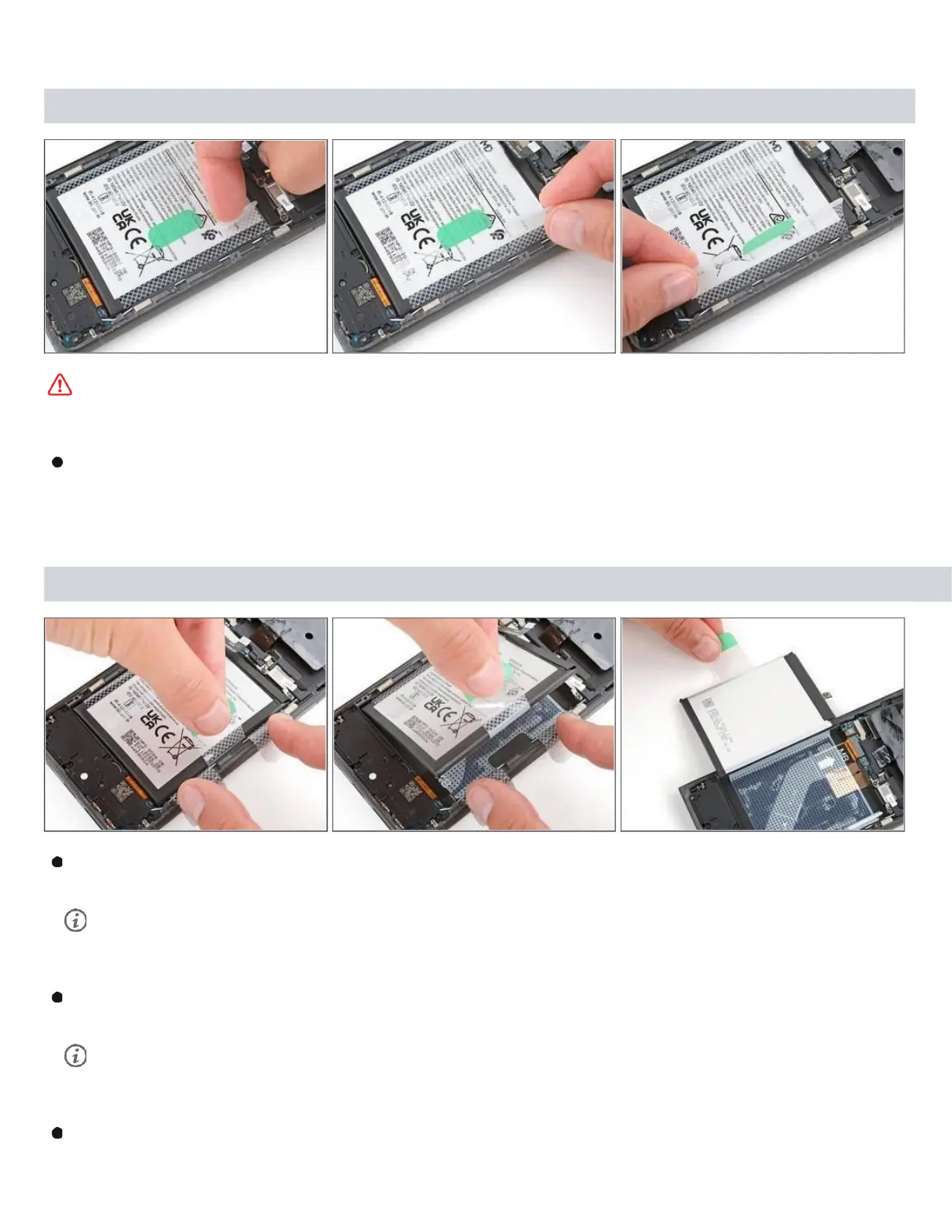
Step 10 — Separate the battery adhesive
Be very careful not to bend, crease, or puncture the battery during the next few steps. A
damaged battery can leak dangerous chemicals and catch fire.
Use your fingers to carefully peel the three plastic tabs from the right side of the battery.
Step 11
With one hand, fold the clear outer tabs out of the way of the battery and firmly
hold them down to secure the frame.
If you're having trouble with the tabs, you can fold them under the phone and
tape them to the screen.
With your free hand, grip the green center pull tab and pull straight up to fully
separate the battery adhesive.
Depending on the age of your phone and strength of the adhesive, you may



 To Next Page