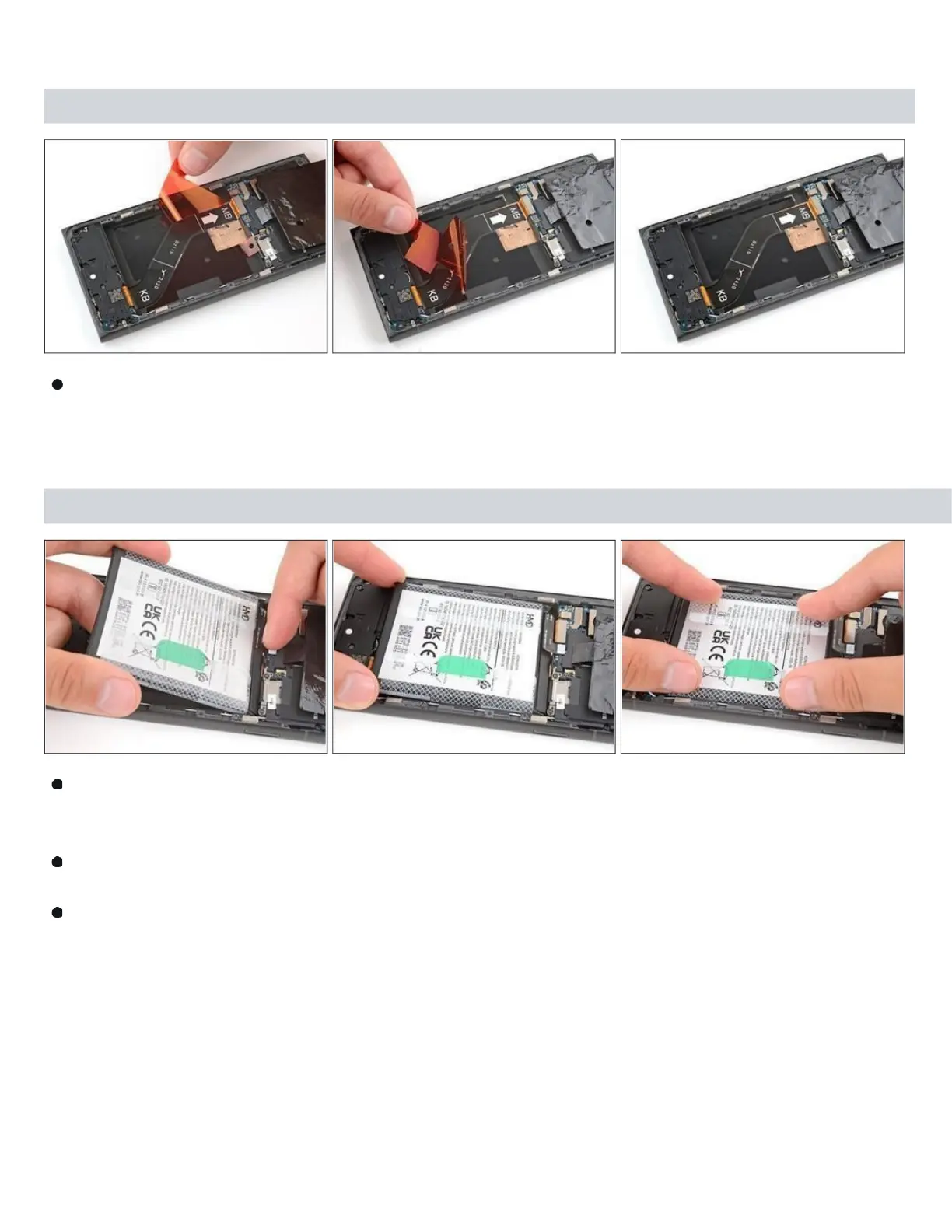
Step 19
Usethepull tabs in thebottomleftand toprightcorners to remove thetwo remaining red liners.
Step 20 — Adhere your battery
Carefullyholdthebatteryaboveitsrecessandreconnectthepressconnector—this ensures
proper fit and alignment.
Firmlypressthebatteryintoitsrecesstosecureitwiththeadhesive. Return to
your original repair manual and continue with reassembly.
To reassemble your device, follow these instructions in reverse order, starting with this step.



 To Next Page