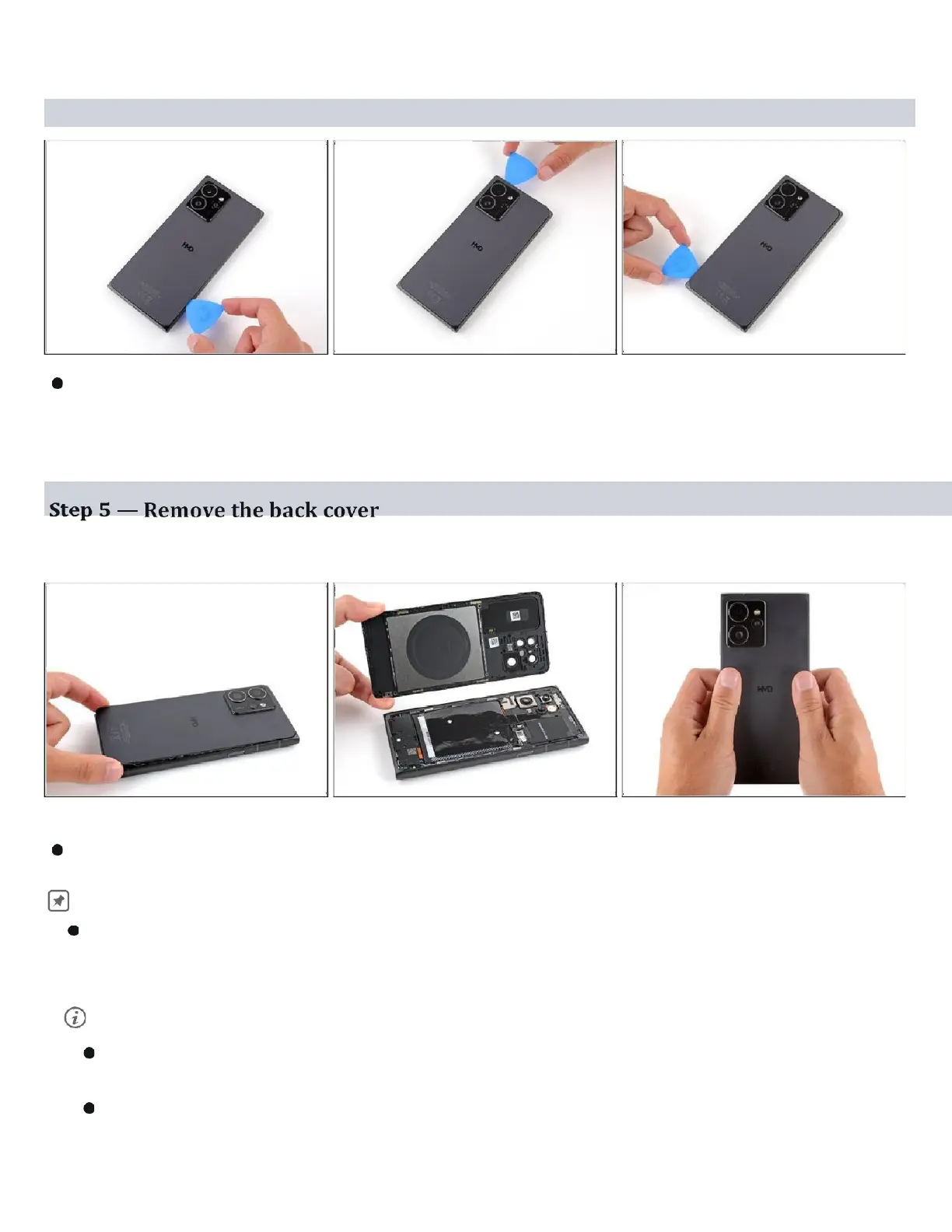
Step 4
Continue sliding the pick under the perimeter of the back cover to fully separate
the clips and adhesive.
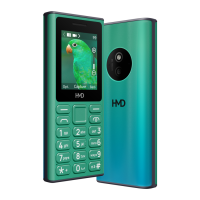
Lift and remove the back cover. During
reassembly:
Now is a good time to test your phone before sealing it up. Power it on and
check that it works. Power it back down before you continue reassembly.
If you're installing a new back cover:
Make sure you remove all liners from the underside. ( Refer Snap-1 in next Page )
Use the flat end of a spudger to press the small cable above the wireless
charging coil into place over its alignment posts ( Refer Snap-2 in next
Page ).



 To Next Page