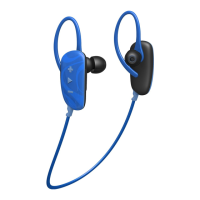
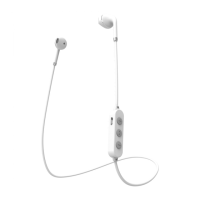
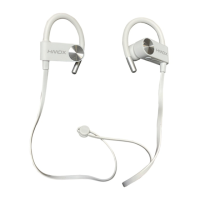
CONTROLS
COMMANDES / CONTROLES
BLUETOOTH
®
CONNECTION
CONECCIÓN BLUETOOTH
®
/ CONNEXION BLUETOOTH
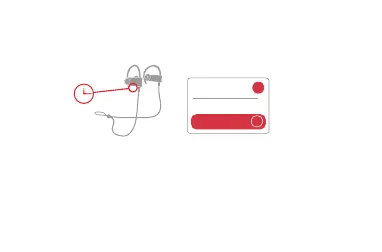
EN Press and hold the power button for 2 seconds to power on. Enable Bluetooth on your
device and choose HMDX Track from the list. If prompted, enter code “0000.”
ES Para encender, deprima y mantenga el botón de poder deprimido por 2 segundos. Habilite la función
Bluetooth
en su dispositivo y elija HMDX Track de la lista. Si se requiere, meta el codigo “0000”.
FR Tenez le bouton de mise en marche enfoncé pendant 2 secondes pour allumer l’appareil.
Activez la fonction
Bluetooth
de votre appareil et choisissez HMDX Track dans la liste des
signaux détectés. Si l’appareil vous le demande, inscrivez le code «0000».
>
HMDX Track
Devices
on
Bluetooth
®
2S


 To Next Page