EasyManua.ls Logo

Hobart Creator Series - User Manual

Hobart Creator Series
20 pages
Print Icon
To Next Page IconTo Next Page
Loading...
OM-281996B
201806
www.HobartWelders.com
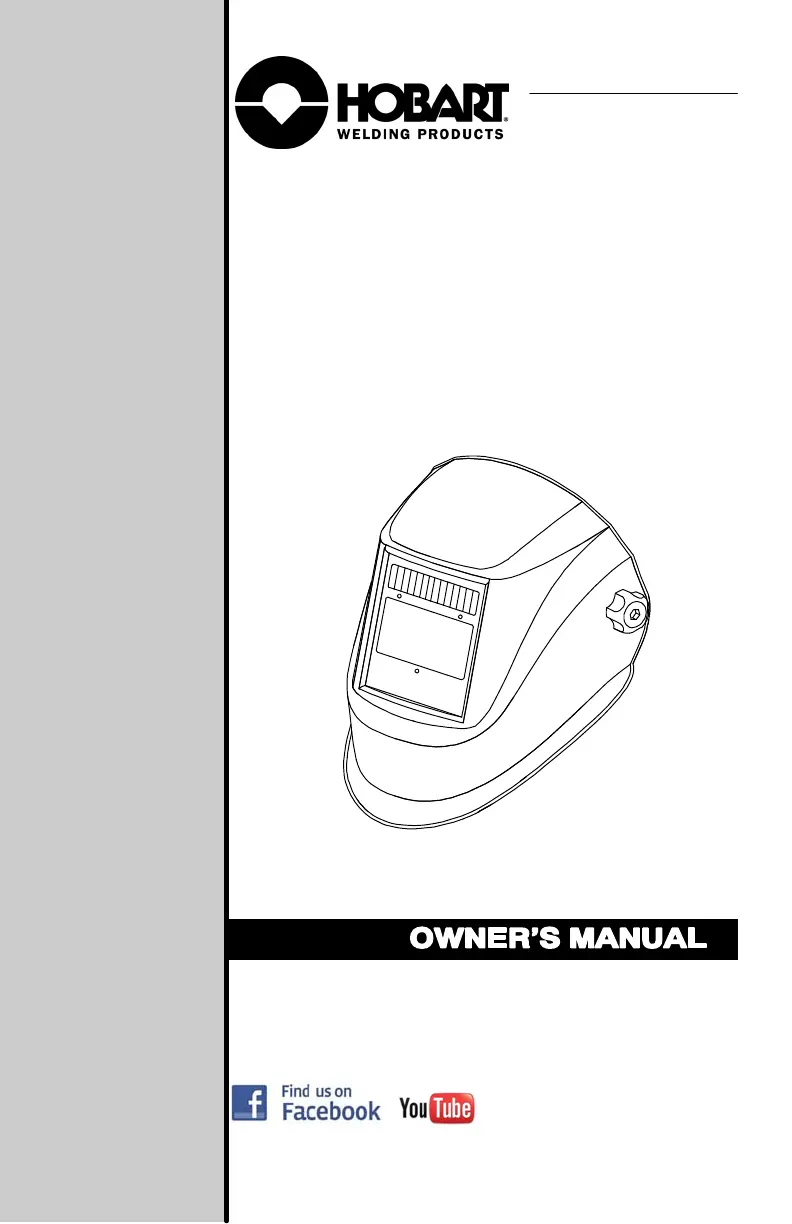
Creatort Series
Auto-Darkening Welding Helmets

Questions and Answers

  • A
    adamthomasAug 5, 2025
    Why is my Hobart Motorcycle Accessories auto-lens switching or flickering during welding?
    • R
      Richard ColemanAug 5, 2025
      If your Hobart Motorcycle Accessories auto-lens darkens and lightens while welding, review the sensitivity settings and increase sensitivity if possible. Make sure the arc sensors aren't blocked from the arc light. Check the lens cover for dirt or spatter that might be blocking the sensors. Increasing the lens delay slightly may also help reduce switching.
  • P
    patricianelsonAug 11, 2025
    What to do if my Hobart Creator Motorcycle Accessories auto-lens stays light and won't darken when welding?
    • L
      Leonard DiazAug 11, 2025
      If your Hobart Motorcycle Accessories auto-lens isn't darkening, stop welding immediately. Ensure the power is on, then check the sensitivity settings and adjust as needed. Verify the helmet isn't in Grind mode. Clean the lens cover and sensors to remove any obstructions. Confirm the sensors face the arc correctly; angles beyond 45 degrees might prevent light detection. Inspect the battery, ensuring it's in good condition and properly installed. Clean the battery surface and contacts if necessary. Also, check for proper contact and gently adjust contact points, especially if the helmet has been dropped.
  • C
    Craig StoutAug 17, 2025
    What to do if my Hobart Creator Motorcycle Accessories auto-lens stays dark after welding?
    • T
      Tina WebsterAug 17, 2025
      If your Hobart Motorcycle Accessories auto-lens remains dark after welding, fine-tune the sensitivity by slightly adjusting the control toward the LO setting. If there is too much light around you, it might be necessary to reduce the surrounding light levels.
  • A
    Anita BakerAug 23, 2025
    What to do if sections of my Hobart Creator auto-lens are not going dark?
    • K
      Kevin WilliamsAug 23, 2025
      If sections of your Hobart Motorcycle Accessories auto-lens aren't darkening and there are distinct lines between light and dark areas, stop welding immediately. This could be because the auto-lens is cracked, possibly from dropping the helmet or weld spatter. The lens may need replacing.
  • M
    Mrs. Jessica MartinAug 28, 2025
    Why does my Hobart Motorcycle Accessories auto-lens have inconsistent shading on the edges?
    • R
      Ryan GonzalezAug 28, 2025
      The lighter shading on the edges and corners of your Hobart Motorcycle Accessories auto-lens is due to the viewing angle effect, where auto-darkening lenses have an optimum viewing angle. This is normal and doesn't pose a health or safety risk. This effect might be more noticeable if you're using magnifying lenses.

Summary

SECTION 1 - WELDING HELMET SAFETY PRECAUTIONS

1-1. Symbol Usage

Explains hazard symbols and their meanings for safety warnings.

1-2. Arc Welding Hazards

Details hazards from arc rays and necessary protective measures.

1-3. Proposition 65 Warnings

Provides California Proposition 65 warnings regarding cancer and reproductive harm.

1-4. Lens Shade Selection Table

Offers a table to select appropriate lens shade based on welding process and amperage.

1-5. Principal Safety Standards

Lists key safety standards like ANSI Z49.1 and ANSI Z87.1.

SECTION 2 - SPECIFICATIONS

SECTION 3 - OPERATING INSTRUCTIONS

3-1. Helmet Controls

Identifies and explains the various controls on the welding helmet.

3-2. Low Battery Indicator

Describes the function and appearance of the low battery indicator light.

3-3. Lens Delay Control

Explains how to adjust the delay time for the lens to clear after welding.

3-4. Variable Shade Control (No. 9-13)

Details how to use the variable shade control for different welding conditions.

3-5. Sensitivity Control

Guides on adjusting sensitivity for optimal performance in various lighting conditions.

3-6. Weld;Grind Mode Switch

Explains the function of the weld/grind mode switch and its indicator.

3-7. Power Modes

Describes the different power modes (sleep, standby, on) of the auto-darkening lens.

SECTION 4 - ADJUSTING HEADGEAR

SECTION 5 - REPLACING THE LENS COVERS

5-1. Replacing Outside Lens Cover

Provides instructions for replacing the outside lens cover on the helmet.

5-2. Replacing Inside Lens Cover

Details the procedure for replacing the inside lens cover of the auto-darkening helmet.

SECTION 6 - REPLACING THE BATTERY

SECTION 7 - INSTALLING OPTIONAL MAGNIFYING LENS

SECTION 8 - MAINTENANCE

SECTION 9 - TROUBLESHOOTING

SECTION 10 - PARTS LIST

SECTION 11 - LIMITED WARRANTY

Hobart Creator Series Specifications

General IconGeneral
BrandHobart
ModelCreator Series
CategoryMotorcycle Accessories
LanguageEnglish