06-12
Shade
The shade is innitely variable; simply pull the
handle to the desired position or until the lock
snaps into the handle of the insect screen.
Opening/closing the insect screen
Push the handle strip of the insect screen
against the handle strip of the pleating until the
lock snaps into the handle strips.
To avoid consequential damage,
leave the shades and pleatings open
when the caravan is not in use.
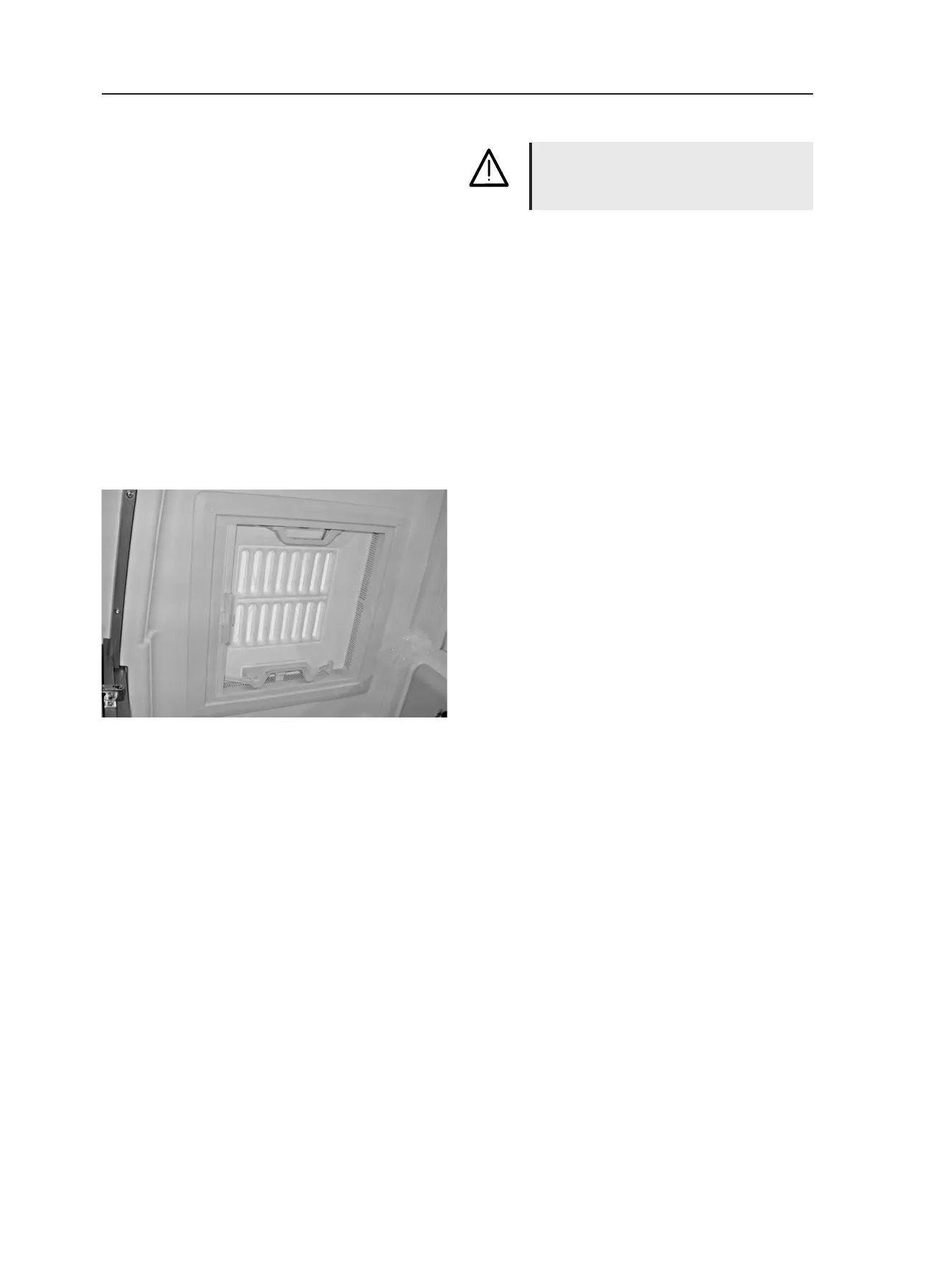
Roof fan
The roof fan can be set up either on one or both
sides.
To open
• Press the spring lock towards the inside of
the roof fan while, at the same time, using the
handle to press the roof fan upwards.
To close
• Use both handles to pull the roof fan rmly
downwards until both spring locks have lat-
ched into place.
Shade/insect screen
When the insect screen is shut and locked to-
gether with the shade, it is still possible to pull
down the shade. When you pull down the shade,
the insect screen will automatically be pulled
with it.
To close
• Press the lock towards the outside of the roof
fan.
• Pull the handle of the screen towards the
handle of the opposite screen and let it latch
into place.
To open
• Press the handle together; this releases the
lock.
• Take hold of the handle and slowly guide the
screen back.



 To Next Page