3
36
3. Set a new password.
4. Read the Privacy Policy and conrm it to use the app.
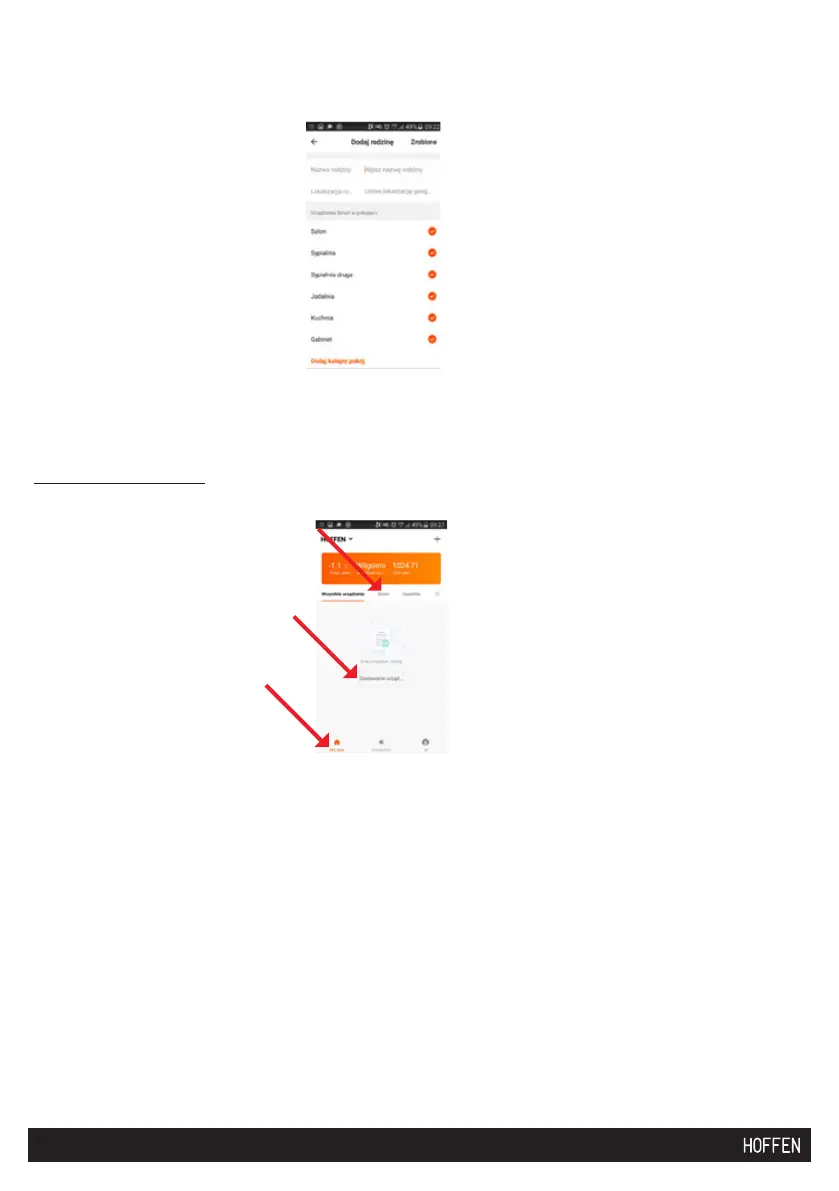
5. Add your family name, location and individual rooms.
6. Connect the SMART ROBOT device with the mobile device.
In the “My house” tab, select the room, e.g. the living room, and add the device:
Click “Add device” and follow the information displayed on the mobile device.
Check whether the indicator lamp on the device is flashing quickly (2 times
per second). If not, turn the device off and on using the main on/off switch (8),
wait for 3 seconds, press and hold the on/off switch on the device for approx.
5 seconds. After a while, the indicator lamp on the vacuum cleaner will start
flashing quickly.
During pairing, the device cannot be located in the docking station. Conrm the
network access for the device:


 To Next Page