EasyManua.ls Logo

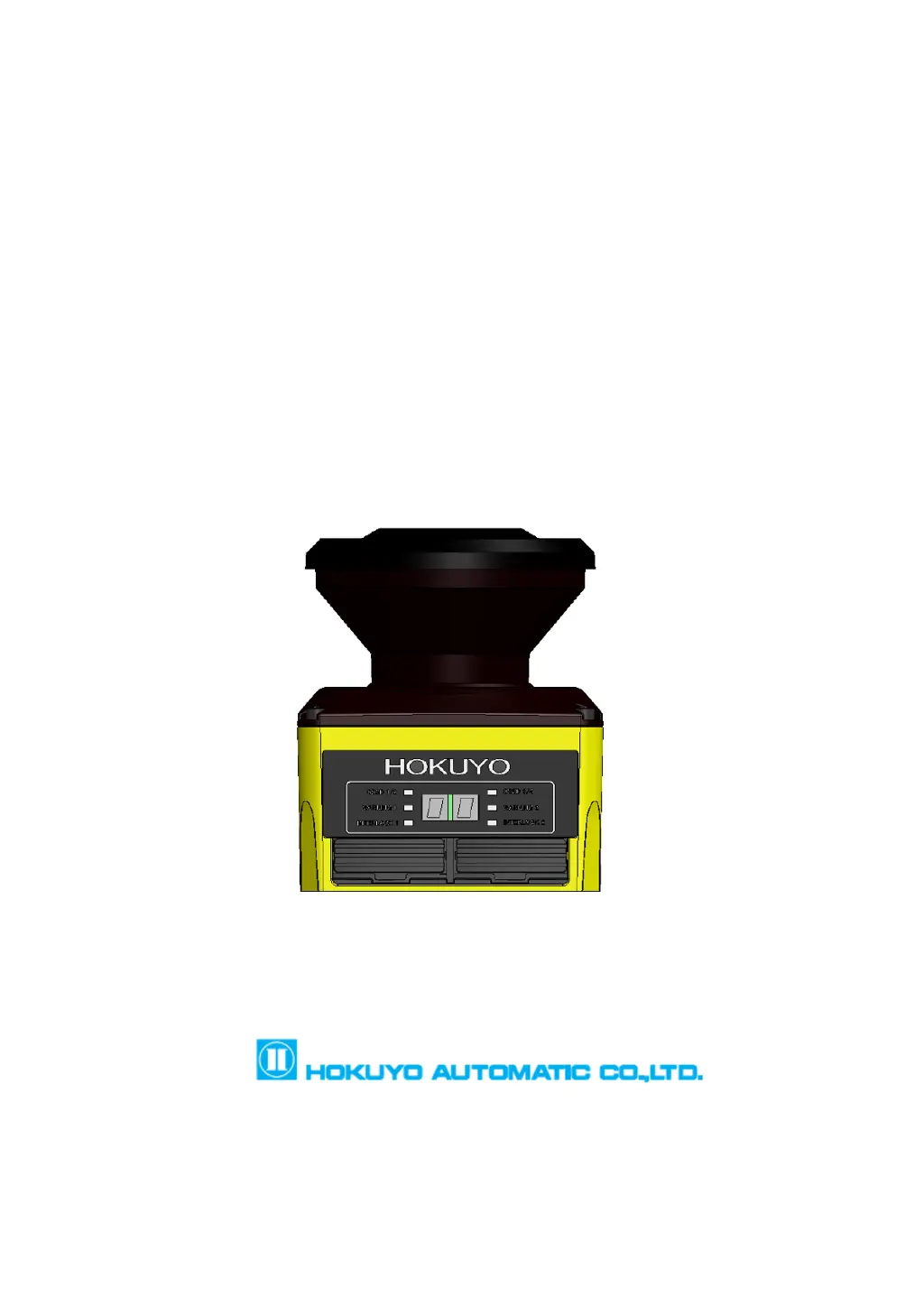
HOKUYO AUTOMATIC UAM-05LP - User Manual

HOKUYO AUTOMATIC UAM-05LP
155 pages
Print Icon
To Next Page IconTo Next Page
Loading...


�


Document No: C-61-00003-3

Table of Contents

Questions and Answers

  • G
    Gregory PerezAug 15, 2025
    Why is my HOKUYO AUTOMATIC UAM-05LP measurement data not displayed?
    • R
      Ryan DelacruzAug 15, 2025
      The measurement data might not be displayed because the power supply is OFF, so ensure that the power supply is ON. Also, the UAM might be in an error/lockout state, so check the supplied voltage and the condition of the power supply cable. Check the error number in the 7-segment table and restart UAM if it is blinking.
  • C
    Carla JohnsonAug 18, 2025
    What to do if my HOKUYO AUTOMATIC UAM-05LP Scanner UAM is not operating?
    • C
      Christine WilkinsAug 18, 2025
      If the UAM is not operating, first ensure that the power supply is ON. Check the supplied voltage and the condition of the power supply cable. If the cable is damaged, replace it with a new one. Also, the configuration might be incomplete, so reconfigure the UAM.
  • J
    Janet MooreAug 21, 2025
    What to do if my HOKUYO AUTOMATIC Scanner OSSD remains OFF even though the protection zone is free from obstacle?
    • M
      Michael ThompsonAug 21, 2025
      If the OSSD remains OFF, check for light interference and consider mounting the UAM at a location free from it. Check for mutual interference. Inspect the optical window for any contamination or damage. Ensure that the floor is not being detected by changing the mounting position and reconfiguring the detection area. Also, ensure that the background is not detected by reconfiguring the detection area. Finally, check for a lockout state due to the self-diagnostic function, and address any errors as suggested.
  • E
    Erica BookerAug 25, 2025
    Why HOKUYO AUTOMATIC UAM-05LP UAM can not connect with the UAM Project Designer?
    • M
      Marc GomezAug 25, 2025
      If the UAM cannot connect with the UAM Project Designer, check the PC’s specification to ensure it is compatible. Close any other unrelated applications and reconnect. Make sure the power supply is ON and check the supplied voltage and the condition of the power supply cable. Also, ensure the USB cable is properly connected to both the PC and the UAM.
  • C
    clinejenniferAug 27, 2025
    What to do if HOKUYO AUTOMATIC Scanner shows a Device Error?
    • A
      Angela SmallAug 27, 2025
      If there is a device error, ensure that the FG wire is correctly connected to the ground and check the surrounding disturbance of the operating environment. Mount the sensor within the stated vibration and bump specifications. Restart the power supply. If the issue persists after restoring the power supply, consider replacing the UAM.
  • R
    Robert RobinsonAug 30, 2025
    What to do if HOKUYO AUTOMATIC UAM-05LP Scanner UAM is interlocked?
    • S
      Stephanie GutierrezAug 30, 2025
      Check the configuration of the interlock function. If RES_REQ is ON, supply the UAM with a RESET signal.
  • S
    Stephanie FloresSep 2, 2025
    What to do for HOKUYO AUTOMATIC Scanner operating temperature error?
    • J
      Julie HensleySep 2, 2025
      Make sure that the operating temperature is within the specified limits. You can also try restarting the power supply.
  • D
    dpatelSep 5, 2025
    What to do for HOKUYO AUTOMATIC UAM-05LP power supply error?
    • I
      iperezSep 5, 2025
      Make sure that the voltage is within the specified limits. You can also try restarting the power supply.
  • M
    Mr. Jonathan BallardSep 8, 2025
    What to do if HOKUYO AUTOMATIC UAM-05LP SD card initialization error?
    • A
      Andrea BestSep 8, 2025
      Remove the card and try again.
  • J
    johnclarkSep 12, 2025
    What to do for HOKUYO AUTOMATIC UAM-05LP Scanner optical interference or high reflective background?
    • D
      David MartinezSep 12, 2025
      Mount UAM at a location free from light interference.

Summary

Safety precautions

General precautions

Provides essential safety guidelines for operating and handling the UAM device.

Wiring

Outlines safety measures and requirements for electrical wiring connections.

Product overview

OSSD

Explains the Output Signal Switching Device (OSSD) function and its safety implications.

Application examples of UAM

Installation

Wiring

Precautions

Lists critical safety measures to follow before and during wiring.

Function configuration of UAM

Function configuration

Details on how to activate and set various operational functions of the UAM.

Area configuration

Explains how to define and draw protection and warning zones within the scanner's field.

Inspection and maintenance

Pre-operation inspection

Lists checks to perform before the initial use of the UAM.

Troubleshooting

Specification

UAM-05 LP

Provides detailed technical specifications for the UAM-05LP laser scanner.

HOKUYO AUTOMATIC UAM-05LP Specifications

General IconGeneral
BrandHOKUYO AUTOMATIC
ModelUAM-05LP
CategoryScanner
LanguageEnglish