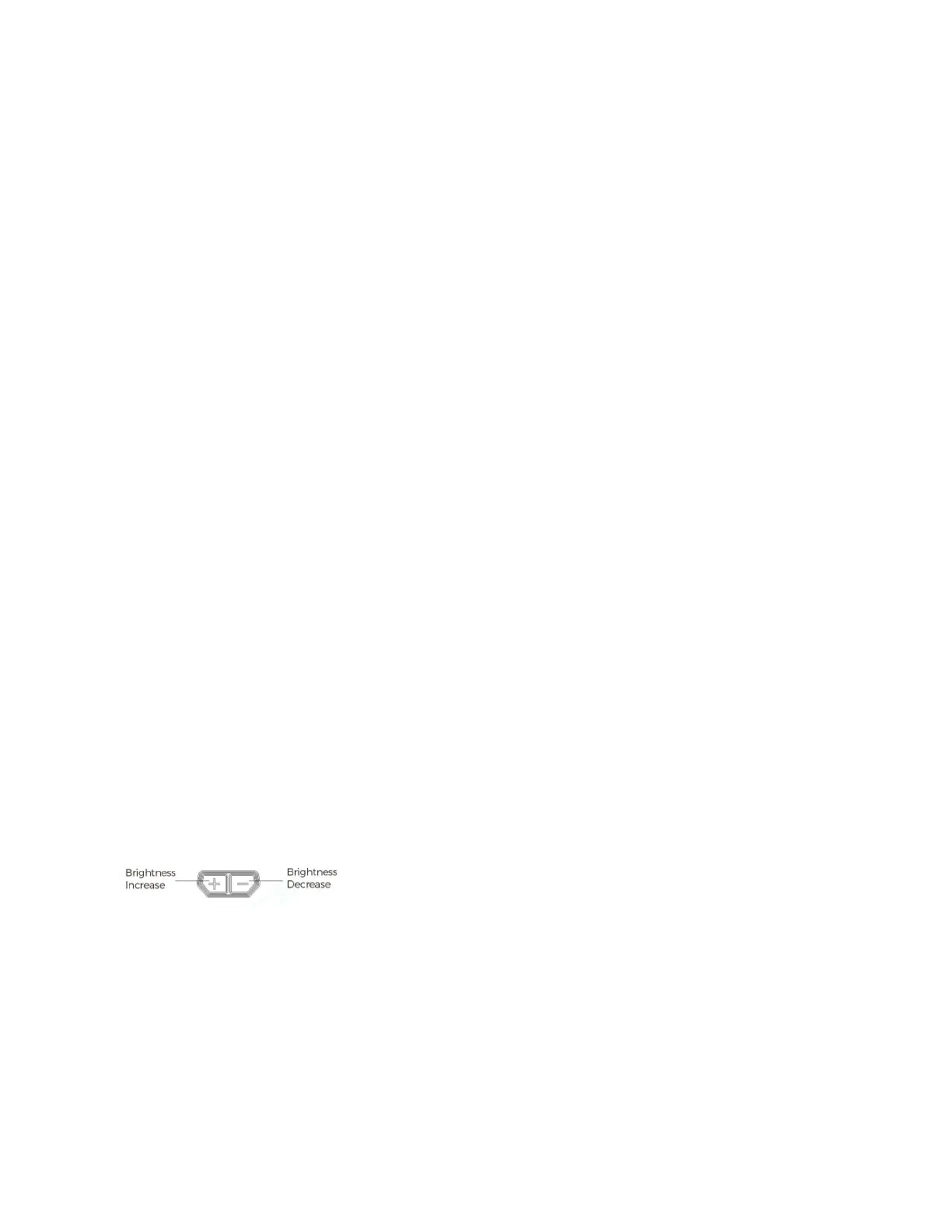
3)Operation mode: Two modes are available in the following order: Manual Mode -> Lockout Mode.
a. Manual mode:
Brightness adjustment: There are 12 reticle brightness setting levels in manual mode. Settings 1 to 4 are NV
compatible and setting 12 is the brightest. Press”+” or ”-” to increase or decrease the brightness
b. Lockout Mode:
Lock Mode Activation: Hold the “+” button for 3 seconds (until the LED blinks once) to activate Lock Mode. In lock
mode, buttons are locked out preventing any setting changes. To deactivate Lock Mode, hold the “+” button for
3 seconds (until the LED blinks once) to confirm Lock Mode is deactivated.
4)Sleep timer setting:
a. Please note that your red dot will automatically enter into sleep mode after 10 minutes of no movement or
operation.
b. The sight will instantaneously wake up to the last used settings from any minimal motion of the sight.
c. The default sleep timer setting is 10 min but can be adjusted to one of four settings.
i. Press and hold the “+” button for 10 seconds to enter sleep time adjustment mode. At the 10 second mark the
reticle will blink indicating what setting is saved. There are 4 options: 10 min, 1h, 12h or the sleep mode is
disabled.
ii. Press the “+” or “-” button to set the timer setting. The LED will blink (1 = 10 min, 2 = 1h, 3 = 12h, or 4 = disable
sleep mode).
iii. Press the “+” and “-” buttons simultaneously to save the time setting and power off the sight.
Note:
1)Memory function: The sight will remember the last saved brightness setting when powered on and off.
2)Low Battery Warning: The reticle image will flash slowly, once a minute, to indicate when to replace the
batteries.
Figure 6



 To Next Page