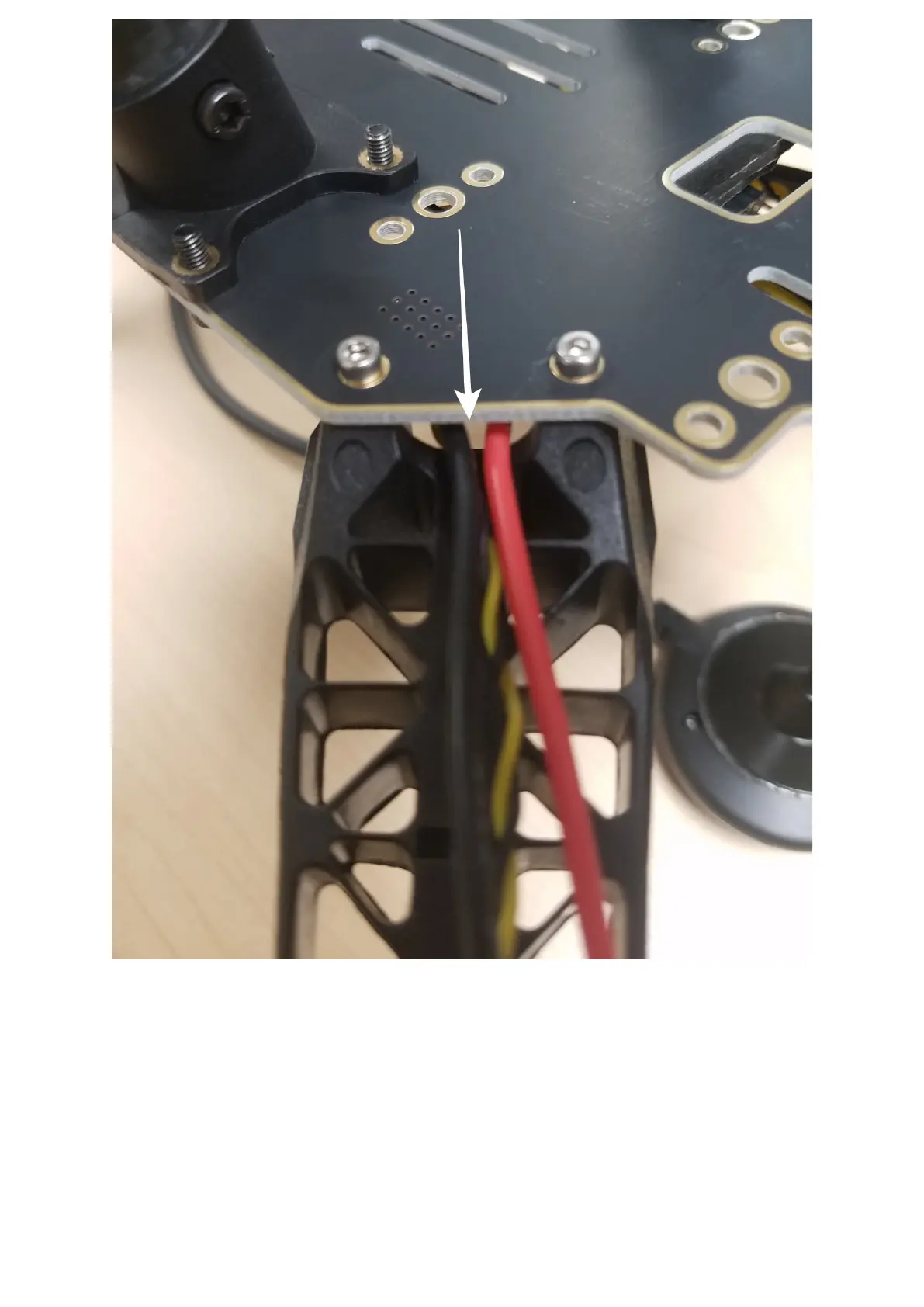
Figure 9
Step 4: Assemble the 8*3 2.54mm pitch Horizontal Pin to the 10 to 10 pin cable (PWM)
to the Power Management Board.
Connect the 10 to 10 pin cable (PWM) to the 8*3 2.54mm pitch Horizontal Pin, see Figure
10. Cut a piece of 3M Tape and attach to the bottom of the Horizontal Pin, see Figure 11
stick the Horizontal Pin to the Power Management Board, see Figures 12 and 13.


 To Next Page