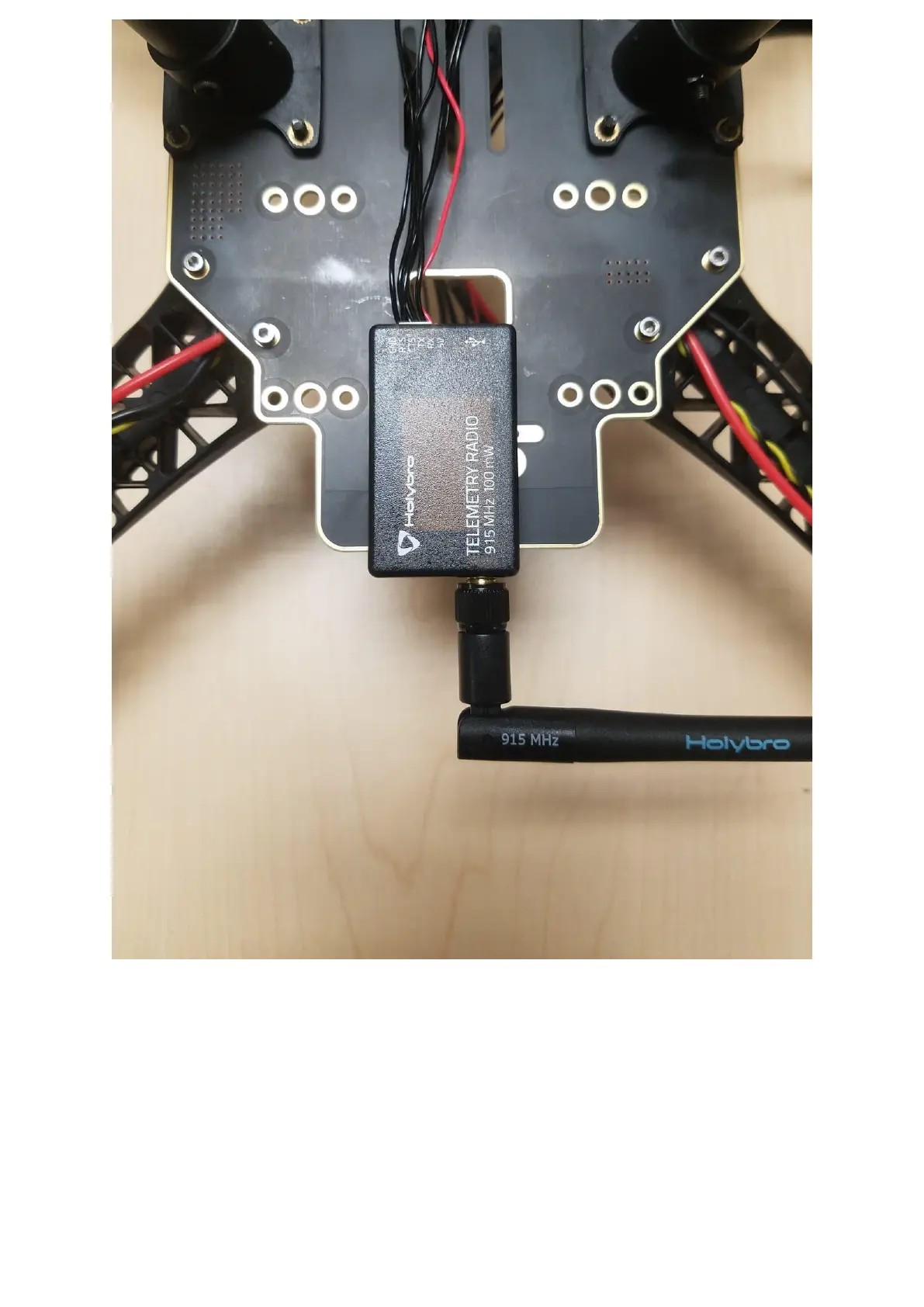
Figure 25
Step 9: Mounting the Pixhawk 4 to the plate
Use double-sided tape to attach the Pixhawk 4 to the center plate, see Figure 26,27 and 28.
The next step is to mount the Pixhawk 4 with the plate to the frame. For this, we will need
the M2 5X6 screws. Align the plate to the frame, see Figures 29 and 30, insert the screws.
Before you mount the plate we recommend putting tape on the Power Module that way it’s
tight and not loose, see Figure 29.


 To Next Page