EasyManua.ls Logo

Home Electronics SM-13002R - User Manual

Home Electronics SM-13002R
100 pages
Print Icon
To Next Page IconTo Next Page
Loading...
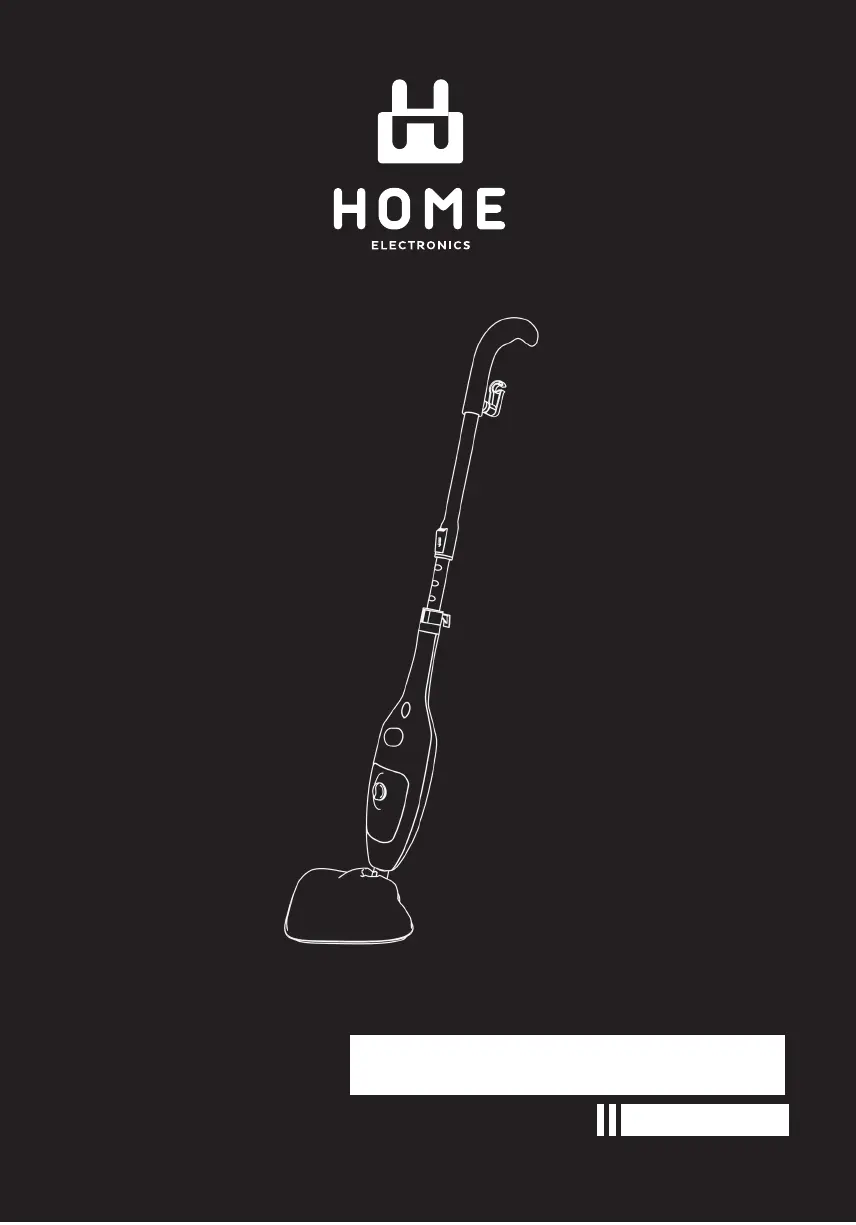
INSTRUCTION MANUAL
STEAM MOP
SM-13002R

Questions and Answers

  • M
    Mark RamirezAug 5, 2025
    Why is my Home Electronics SM-13002R not producing steam?
    • R
      Rachel DrakeAug 5, 2025
      There are several reasons why your Home Electronics Steam Cleaner might not be producing steam. The water tank may be empty, so you should fill it. A blocked steam nozzle can also cause this issue, in that case, remove the mop head and clean the nozzle. Finally, lime scale buildup could be the problem, you should follow the cleaning procedure in this manual.
  • K
    Kimberly MarquezAug 10, 2025
    What to do if Home Electronics SM-13002R does not power on?
    • A
      Andrew BrownAug 10, 2025
      If your Home Electronics Steam Cleaner doesn't power on, make sure it's properly plugged into a working outlet and that the power switch is in the ON (I) position.
  • S
    Stephanie GonzalezAug 16, 2025
    Why does steam escape from the connections of my Home Electronics SM-13002R?
    • T
      Tanya PattersonAug 16, 2025
      Steam might be escaping from the connections of your Home Electronics Steam Cleaner because an attachment isn't connected properly or there are debris/obstructions at the connection points. Turn the unit OFF, let it cool down, then disconnect and reattach the accessories properly. Also, remove the accessory and check and clean the connection.
  • L
    Linda PachecoAug 22, 2025
    What to do if cleaning cloth gets wet when using Home Electronics SM-13002R Steam Cleaner?
    • M
      martinbrianAug 22, 2025
      If the cleaning cloth on your Home Electronics Steam Cleaner gets too wet, it's likely saturated with liquid. Remove the wet cloth and replace it with a new cleaning cloth (optional item), or wring out the existing cloth and reattach it.
  • T
    Tiffany NunezAug 28, 2025
    Why collection brush does not rotate in Home Electronics Steam Cleaner?
    • U
      ureidAug 28, 2025
      The collection brush in your Home Electronics Steam Cleaner may not rotate because collected dirt is blocking the rotating brush, or the brush has been working for over 15 minutes. Remove any dirt blocking the brush and switch the brush back on after 7 to 10 minutes.

Summary

IMPORTANT SAFETY INSTRUCTIONS

PARTS OF THE APPLIANCE

Front View

Diagram showing the front view of the steam mop with labeled parts.

Back View

Diagram showing the back view of the steam mop with labeled parts.

ACCESSORIES

HOW TO USE THE APPLIANCE

Assembling the Steam Mop

Step-by-step instructions for assembling the steam mop unit.

General Usage Instructions

Guidance on how to use the steam mop for various floor types.

Rectangle Sweeper Head Operation

Instructions for attaching and operating the rectangle sweeper steam mop head.

Cleaning Cloth Attachment

Instructions for attaching and using the cleaning cloths with the steam mop.

AFTER USE AND CLEANING

Storage and Basic Care

Instructions for proper storage, cord wrapping, and basic wiping after use.

Detailed Cleaning and Maintenance

Procedures for cleaning the appliance, accessories, and removing lime scale.

TROUBLESHOOTING GUIDE

Home Electronics SM-13002R Specifications

General IconGeneral
BrandHome Electronics
ModelSM-13002R
CategorySteam Cleaner
LanguageEnglish