EasyManua.ls Logo

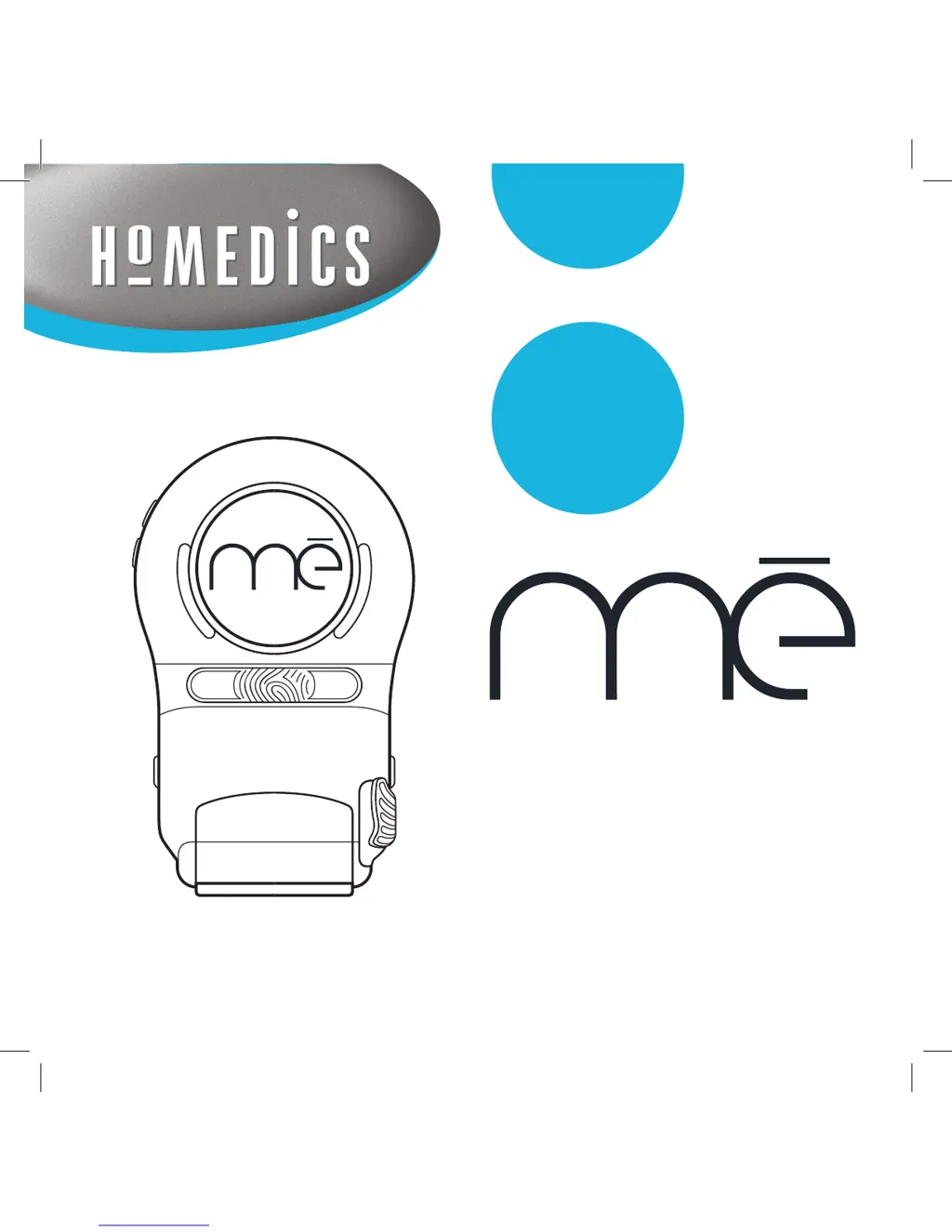
HoMedics ME - User Manual

HoMedics ME
30 pages
Print Icon
To Next Page IconTo Next Page
Loading...
instructions for use
the fastest way to permanent hair reduction
www.homedics.co.uk

Other manuals for HoMedics ME

Questions and Answers

  • A
    Andrea SimsJul 26, 2025
    Why is there no elo?s pulse from my HoMedics ME?
    • H
      halltylerJul 26, 2025
      To get the HoMedics Hair Removal System to emit elo?s pulses, ensure you are touching the grip sensors, the RF bars are in contact with the treated area, and the elo?s button is pressed.
  • K
    Kimberly MillerAug 1, 2025
    What to do if the error light is blinking on my HoMedics Hair Removal System?
    • K
      Kayla TownsendAug 1, 2025
      If the error light is blinking on your HoMedics Hair Removal System, it could be due to several reasons: * The button was pressed for more than 10 seconds: Release the button, and the system will return to standby mode. * The grip sensors were held during the start-up test: Place the applicator in the cradle and press the power button again. * There is no cartridge level indication: Pull out the cartridge and re-insert it. If it still doesn't work, insert a new cartridge.
  • J
    jenniferowensAug 5, 2025
    What to do if elo?s level lights are blinking + IPL light pulses stop on HoMedics ME Hair Removal System?
    • J
      Joseph ShawAug 5, 2025
      If the elo?s level lights are blinking and the IPL light pulses stop on your HoMedics Hair Removal System, it indicates that the ambient temperature is too high. Press the elo?s button again. If it still doesn't work, move to a cooler area where the temperature is less than 30º Celsius / 86º Fahrenheit.
  • M
    Mrs. Robin SmithAug 10, 2025
    Why is the elo?s white light on applicator blinking on my HoMedics ME Hair Removal System?
    • B
      Beth HolderAug 11, 2025
      If the elo?s white light on the applicator of your HoMedics Hair Removal System is blinking, it means the elo?s slot is empty. Insert either the elo?s protective cap or an elo?s cartridge.
  • B
    Brian MitchellAug 16, 2025
    How to fix continuous error light on HoMedics Hair Removal System?
    • T
      Terry NguyenAug 16, 2025
      If you have a continuous error light on your HoMedics Hair Removal System, you need to reset the system. Disconnect the power cord and wait until all lights are off (this may take up to 2 minutes). Then, reconnect the power cord and turn the system on.
  • L
    Lisa SparksAug 21, 2025
    How to turn on HoMedics ME Hair Removal System if no lights are on?
    • K
      Kelsey PruittAug 21, 2025
      If no lights are on on your HoMedics Hair Removal System, the power cable is not connected. Connect the power cable.

Summary

Product Benefits

Effective Hair Regrowth Prevention

Details how the system effectively prevents hair regrowth over time.

elōs Technology for All Skin Types

Explains the patented Electro-optical Synergy technology and its suitability for all skin types.

Simple Home Treatment

Highlights the ease and convenience of using the system for hair removal at home.

Possible Side Effects and Skin Reactions

Package Contents

Mē System Description

Applicator and Cartridge Details

Important Safety Information

When Not to Use the Mē System

Lists conditions and situations where the system should not be used for safety.

Safety Contraindications

Areas and Medications to Avoid

Details specific body areas and medications that contraindicate system use.

Safety Warnings and Cautions

General Warnings

Provides critical warnings regarding electrical shock, misuse, and potential damage.

General Cautions

Outlines important cautions for users, including children and system handling.

How elōs Technology Works

Hair Growth Basics

Explains the biological process of hair growth and its relevance to treatment.

Treatment Expectations

Describes what users can expect during and after treatment sessions.

Working Principle of elōs

Details the three basic principles behind the elōs technology for hair removal.

Using Your Mē System: Initial Steps

Skin Sensitivity Test

Guides users on performing a test patch to check for skin reactions before full use.

Preparing for Treatment

Instructions on preparing the skin and the treatment environment.

Setting Up the Mē System

Steps for connecting and preparing the device for operation.

Indicator Meanings and Reactions

Treatment Procedure

Treatment Steps

Detailed step-by-step instructions for performing a treatment session.

Helpful Treatment Tips

Provides practical advice and tips for optimizing treatment effectiveness.

Facial Treatment Overview

Facial Hair Differences

Explains why facial hair removal differs from other body areas.

When Not to Use on Face

Specifies contraindications and conditions for avoiding facial treatment.

Facial Treatment Precautions

Facial Treatment Procedure

Facial Treatment Tips

Treatment Guidelines and Post-Care

General Treatment Guidelines

Provides guidance on treatment frequency and progression for optimal results.

After Use: Cleaning and Storage

Instructions for cleaning the device and storing it safely after use.

Post-Treatment Skin Care

Advice on caring for the skin immediately after treatment.

Replacing the elōs Cartridge

Accessory Information: elōs Cartridges

Details about elōs cartridges, including lifespan and replacement needs.

Disposal of elōs Cartridge

WEEE Directive Compliance

Information on responsible disposal according to the WEEE Directive.

Troubleshooting Guide

Specifications and Labels

Technical Specifications

Lists the technical details, operating ranges, and dimensions of the system.

Labels and Symbols Explained

Describes the information found on the device's nameplate label and key symbols.

Environmental Conditions

Specifies acceptable environmental conditions for storage and operation.

Guarantee and Service Information

HoMedics ME Specifications

General IconGeneral
BrandHoMedics
ModelME
CategoryHair Removal System
LanguageEnglish

Related product manuals