43
Operation
• Select the desired solution for your device.
• In the app, give the device a name and allocate
it to a room.
If you are already using Homematic IP devices in
your smart home system or if you want to
combine your Homematic IP Wired devices with
wireless Homematic IP components, you can
also connect the Homematic IP Wired devices to
an (installed) Access Point. Therefore, connect
the Homematic IP Wired Access Point to the
(installed) Homematic IP Access Point, as
described in the user manual. Afterwards,
proceed as described above to connect the
device.
6 Operation
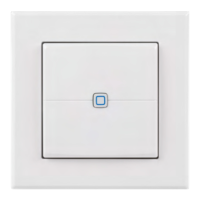
The two push-buttons or channels (D + F) are used for
controlling other Homematic IP devices and functions via
the Homematic IP protocol.
You can define the push-button functions to your
personal needs via the user interface, e.g. for comfortably
switching lights on and o, to move shutters up or down
or to activate or deactivate the eco mode.


 To Next Page
 Loading...