minutes then insert the battery and plug in the AC adapter
the auto-dialer will restore back to the factory pre-set pass
number 0-0-0. other setup will restore back to the factory
pre-set too.
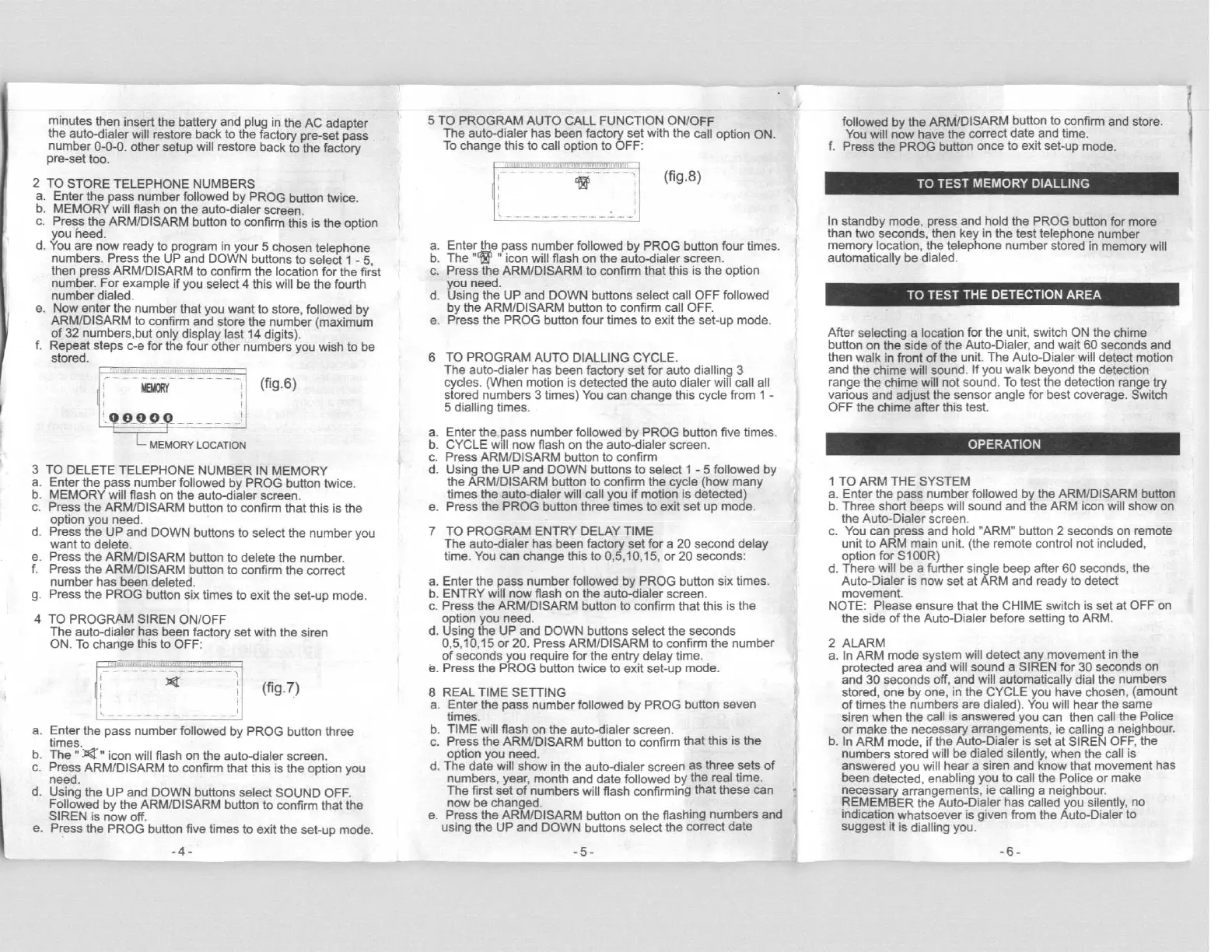
2 TO STORE TELEPHONE NUMBERS
a. Enter the pass number followed by PROG button twice.
b. MEMORY will flash on the auto-dialer screen.
c. Press the ARM/DISARM button to confirm this is the option
you heed.
d. You are now ready to program in your 5 chosen telephone
numbers. Press the UP and DOWN buttons to select 1 - 5,
then press ARM/DISARM to confirm the location for the first
number. For example if you select 4 this will be the fourth
number dialed.
e. Now enter the number that you want to store, followed by
ARM/DISARM to confirm and store the number (maximum
of 32 numbers,but only display last 14 digits).
f. Repeat steps c-e for the four other numbers you wish to be
stored.
(fg-6)
- MEMORY LOCATION
3 TO DELETE TELEPHONE
NUMBER IN MEMORY
a. Enter the pass number followed
by PROG
button twice.
b. MEMORY will flash on the auto-dialer screen.
c. Press the ARM/DISARM button to confirm that this is the
option you need.
d. Press the
UP and DOWN
buttons to select the number you
want to delete.
e. Press the ARM/DISARM button to delete the number.
f. Press the ARM/DISARM button to confirm the correct
number has been deleted.
g. Press the PROG button six times to exit the set-up mode.
4 TO PROGRAM SIREN ON/OFF
The auto-dialer has been factory set with the siren
ON. To change this to OFF:
r yg : (fig.7)
a. Enter the pass number followed by PROG button three
times.
b. The "JOC " icon will flash on the auto-dialer screen.
c. Press ARM/DISARM to confirm that this is the option you
need.
d. Using the UP and DOWN buttons select SOUND OFF.
Followed by the ARM/DISARM button to confirm that the
SIREN is now off.
e. Press the PROG button five times to exit the set-up mode.
5 TO PROGRAM
AUTO CALL
FUNCTION ON/OFF
The auto-dialer has been factory set with the call option ON.
To change this to call option to OFF:
(fig.8)
a. Enter the pass number followed by PROG button four times.
b. The "Iff " icon will flash on the auto-dialer screen.
c. Press the ARM/DISARM to confirm that this is the option
you need.
d. Using the UP and DOWN buttons select call OFF followed
by the ARM/DISARM button to confirm call OFF.
e. Press the PROG button four times to exit the set-up mode.
6 TO PROGRAM AUTO DIALLING CYCLE.
The auto-dialer has been factory set for auto dialling 3
cycles.
(
When motion is detected the auto dialer will call all
stored numbers 3 times) You can change this cycle from 1 -
5 dialling times.
a. Enter the pass number followed by
PROG
button five times.
b. CYCLE will
now flash on the auto-dialer screen.
c. Press ARM/DISARM button to confirm
d. Using the UP and DOWN buttons to select 1 - 5 followed by
the ARM/DISARM button to confirm the cycle
(
how many
times the auto-dialer will call you if motion is detected)
e. Press the PROG button three times to exit set up mode.
7 TO PROGRAM ENTRY DELAY TIME
The auto-dialer has been
factory
set for a 20 second delay
time. You can
change this to 0,5,10,15, or 20 seconds:
a. Enter the pass number followed
by PROG
button six times.
b. ENTRY
will now flash on the auto-dialer screen.
c. Press the ARM/DISARM button to confirm that this is the
option you need.
d. Using the UP and DOWN buttons select the seconds
0,5,10,15 or 20. Press ARM/DISARM to confirm the number
of seconds you require for the entry delay time.
e. Press the PROG button twice to exit set-up mode.
8
a.
REAL TIME SETTING
Enter the pass number followed by PROG button seven
times.
TIME will flash on the auto-dialer screen.
Press the ARM/DISARM button to confirm that this is the
option you need.
The date will show in the auto-dialer screen as three sets of
numbers, year, month and date followed by the real time.
The first set of numbers will flash confirming that these can
now be changed.
Press the ARM/DISARM button on the flashing numbers and
using the UP and DOWN buttons select the correct date
d.
followed by the ARM/DISARM button to confirm and store.
You will now have the correct date and time.
f. Press the PROG button once to exit set-up mode.
In standby mode, press and hold the PROG button for more
than two seconds, then key in the test telephone number
memory location, the telephone number stored in memory will
automatically be dialed.
After selecting a location for the unit, switch ON the chime
button on the side of the Auto-Dialer, and wait 60 seconds and
then walk in front of the unit. The Auto-Dialer will detect motion
and the chime will sound. If you walk beyond the detection
range the chime will not sound. To test the detection range try
various and adjust the sensor angle for best coverage. Switch
OFF the chime after this test.
1 TO ARM THE SYSTEM
a. Enter the pass number followed by the ARM/DISARM button
b. Three short beeps will sound and the ARM icon will show on
the Auto-Dialer screen.
c. You can press and hold "ARM" button 2 seconds on remote
unit to ARM main unit. (the remote control not included,
option for S100R)
d. There will be a further single beep after 60 seconds, the
Auto-Dialer is now set at ARM and ready to detect
movement.
NOTE: Please ensure that the CHIME switch is set at OFF on
the side of the Auto-Dialer before setting to ARM.
2 ALARM
a. In ARM mode system will detect any movement in the
protected area and will sound a SIREN for 30 seconds on
and 30 seconds off, and will automatically dial the numbers
stored, one by one, in the
CYCLE
you have chosen,
(
amount
of times the numbers are dialed). You will hear the same
siren when the call is answered you can then call the Police
or make the necessary arrangements, ie calling a neighbour.
b. In ARM mode, if the Auto-Dialer is set at SIREN OFF, the
numbers stored will be dialed silently, when the call is
answered you will hear a siren and know that movement has
been detected, enabling you to call the Police or make
necessary arrangements, ie calling a neighbour.
REMEMBER the Auto-Dialer has called you silently, no
indication whatsoever is given from the Auto-Dialer to
suggest it is dialling you.
-4- -5- -6-


 To Next Page
 Loading...