EasyManua.ls Logo

HomeSpot JY100 - User Manual

HomeSpot JY100
8 pages
Print Icon
To Next Page IconTo Next Page
Loading...
HomeSpot JY100
®
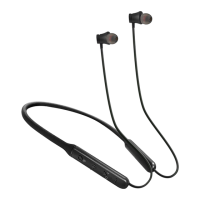
Wireless Neckband Headphones
Question and Answer IconNeed help?

Do you have a question about the HomeSpot JY100 and is the answer not in the manual?

Summary

Package Contents

Product Overview

Charging & Battery Status

Connect to Power Source

Use the micro-USB cable to connect the JY100 to a USB power source.

Charging Indicator Status

LED indicator is red when charging and off when fully charged.

Pairing Instructions

Device Controls

Specifications

Troubleshooting

Device Not Turning On

Ensure the battery is charged; if not, charge the JY100.

Pairing Issues

Check for existing connections, ensure pairing mode, or re-do pairing procedure.

Poor Audio Quality

Reduce distance and remove obstacles between the JY100 and the mobile device.
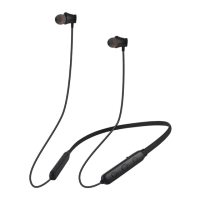
HomeSpot JY100 Specifications

General IconGeneral
BrandHomeSpot
ModelJY100
CategoryHeadphone
LanguageEnglish