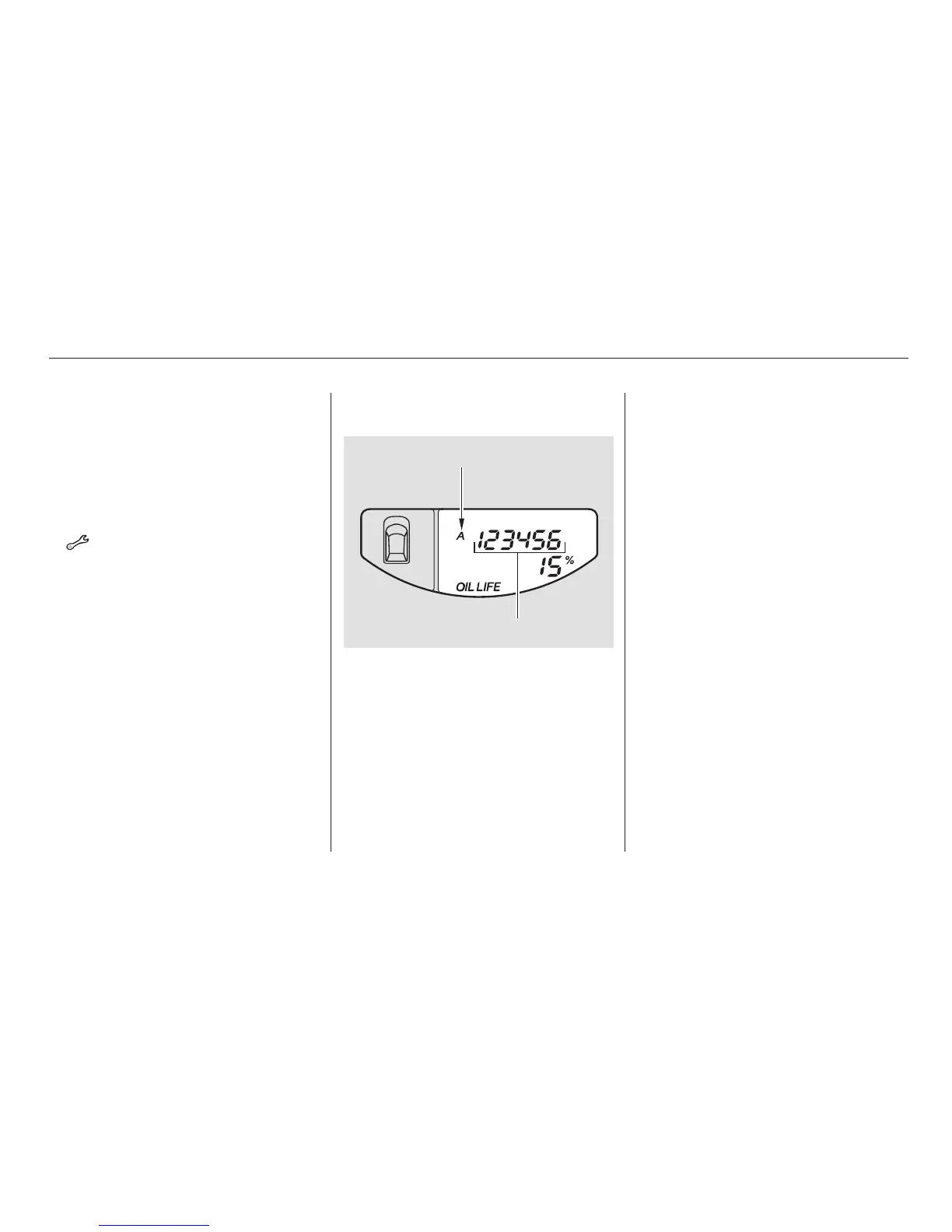
Your dealer will reset the display
after completing the required
maintenance service. You will see
‘‘OIL LIFE 100%’’ on the information
display the next time you turn the
ignition switch to the ON (II)
position.
If maintenance service is done by
someone other than your dealer,
reset the maintenance minder as
follows:
Turn the ignition switch to the ON
(II) position.
Press the select/reset knob
repeatedly until the engine oil life
is displayed.
All maintenance items displayed on
the information display are in code.
For an explanation of these
maintenance codes, see page .
To change the information display
from the engine oil life display to the
odometer or the trip meter, press
and release the select/reset knob.
When the engine oil life is 0 percent
or negative mileage, the
maintenance minder indicator
( )remainsonevenifyou
change the information display.
Immediately have the service
performed, and make sure to reset
the display as described on the
following.
1.
2.191
Maintenance Minder
Resetting the Engine Oil Life
Display
Maintenance Main Items and Sub
Items
188
MAINTENANCE MAIN ITEM
MAINTENANCE SUB ITEM(S)
07/04/26 19:01:00 31SCV650 0193













 To Next Page