EasyManua.ls Logo

Honda Miimo HRM520 - User Manual

Honda Miimo HRM520
88 pages
Print Icon
To Next Page IconTo Next Page
Loading...
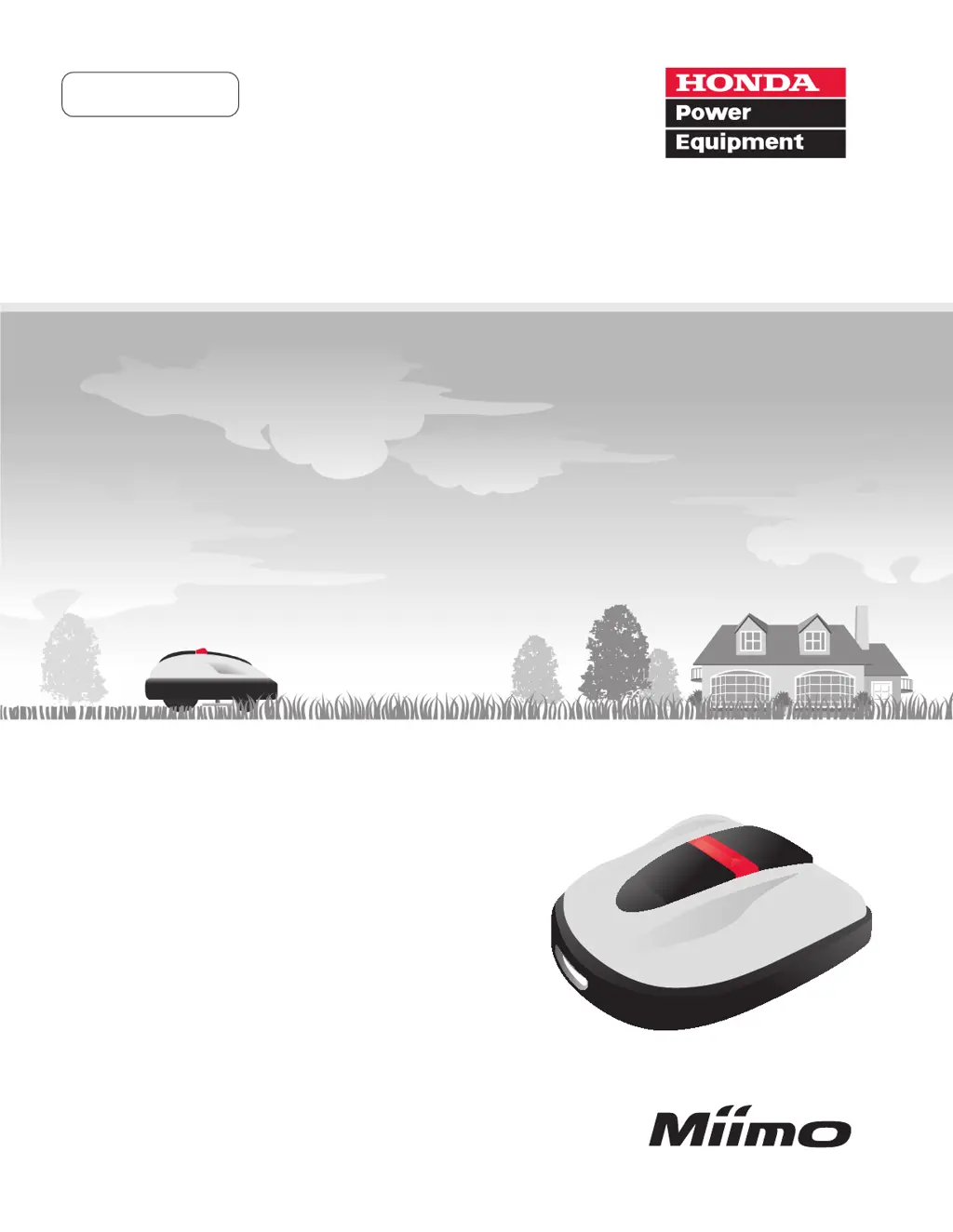
Honda
Robotic
Lawn mower
HRM310/520
EN
Owner’s Manual

Table of Contents

Questions and Answers

  • M
    morganjimenezAug 20, 2025
    What to do if my Honda Miimo HRM520 Lawn Mower says 'Outside loop'?
    • S
      Sean BellAug 20, 2025
      If your Honda Lawn Mower displays 'Outside loop', it means the mower has exited the boundary wire. To resolve this, move the mower back into the work area. Ensure the docking station has power and that the boundary wire connectors are correctly connected. If the message persists, double-check the boundary wire connectors and ensure there are no similar lawn mowers operating nearby.
  • J
    Joshua RhodesAug 22, 2025
    Why is my Honda Miimo HRM520 showing 'Battery voltage low'?
    • E
      Edward JamesAug 22, 2025
      If your Honda Lawn Mower displays 'Battery voltage low', it indicates that the battery is not charging sufficiently. To fix this, charge the lawn mower using the docking station.
  • J
    Jennifer MaldonadoAug 25, 2025
    What to do if Honda Miimo HRM520 displays 'Battery voltage high'?
    • L
      louissmithAug 25, 2025
      If your Honda Lawn Mower displays 'Battery voltage high', it means the battery is being overcharged. To resolve this, remove the lawn mower from the docking station, turn the power ON, and wait for the message to disappear.
  • D
    Daniel MorrisonAug 26, 2025
    What does 'Blade motor temp high' mean on my Honda Miimo HRM520?
    • K
      Kimberly FigueroaAug 26, 2025
      If your Honda Lawn Mower displays 'Blade motor temp high', it means the blade motor's temperature is at or exceeds 185°F (85°C). To resolve this, leave the power ON and the control panel cover open, then wait 15 to 30 minutes until the message disappears.
  • B
    Breanna FloresAug 27, 2025
    What to do if my Honda Lawn Mower says 'Obstruction detection'?
    • R
      Richard ChenAug 28, 2025
      If your Honda Lawn Mower displays 'Obstruction detection', it means an obstruction is being detected or the sensor is detecting something. To clear the message, enter the PIN.
  • E
    eharmonAug 30, 2025
    Why does my Honda Miimo HRM520 say 'Area signal lost'?
    • A
      Amber HarrellAug 30, 2025
      If your Honda Lawn Mower displays 'Area signal lost', it means the mower is not detecting the boundary wire signal. Check that the boundary wire connectors are correctly connected.
  • L
    Laurie WilkersonSep 1, 2025
    What does 'No boundary signal' mean on Honda Lawn Mower?
    • A
      Adrienne PadillaSep 1, 2025
      If your Honda Lawn Mower displays 'No boundary signal', it means the lawn mower is not detecting the boundary wire signal. Check the power supply of the docking station.
  • T
    Terrance WilliamsSep 2, 2025
    What to do if Honda Miimo HRM520 displays 'Mower lifted'?
    • B
      Bryan WilsonSep 3, 2025
      If your Honda Lawn Mower displays 'Mower lifted', it indicates that the cover has been lifted, possibly by an object like a stone. To resolve this, enter the PIN so that the message disappears.
  • J
    Justin LaraSep 5, 2025
    What to do if my Honda Miimo HRM520 is 'Upside down'?
    • M
      martindennisSep 5, 2025
      If your Honda Lawn Mower displays 'Upside down', it means the mower is currently inverted. To correct this, place the lawn mower on a flat surface, and then enter the PIN to clear the message.
  • J
    Jason StewartSep 6, 2025
    What to do if my Honda Miimo HRM520 Lawn Mower displays 'Excessive tilt'?
    • N
      Nathaniel SmithSep 7, 2025
      If your Honda Lawn Mower displays 'Excessive tilt', it means the mower is on an excessively tilted area. To resolve this, place the lawn mower on a flat surface, and then enter the PIN to clear the message.

Summary

Overview of the Honda Robotic Lawn Mower

How the Honda Robotic Lawn Mower Works

Explains how the mower works, boundary wire, docking station, and transformer.

Safety Instructions and Precautions

Essential Safety Precautions

Lists essential safety precautions to follow for safe operation and maintenance.

Additional Safety Advice

Provides additional safety advice regarding carrying, maintenance, and general handling.

Preparation and Setup Guide

Installation Procedures

Details the conditions and steps for installing the docking station and boundary wire.

Menu Settings and Configuration

Usage and Operation Guide

Troubleshooting Common Issues

Common Error Messages

Lists common messages, their causes, and solutions.

Resolving Operational Problems

Provides solutions for various operational problems and error conditions.

Maintenance Procedures

Honda Miimo HRM520 Specifications

General IconGeneral
Cutting Height20 - 60 mm
Battery TypeLithium-ion
Noise Level58 dB
Rain SensorYes
Cutting Width22 cm
Charging Time60 minutes
Maximum Incline / Slope Handling25°
Smart ConnectivityMobile App

Related product manuals